

SharePoint Page Checker – browser extension
A comprehensive Chrome extension for intranet authors and site owners to scan SharePoint (and compatible Office 365) pages for broken links, accessibility issues, and performance problems. Designed to help organizations maintain high-quality, compliant, and user-friendly intranet content. SharePoint Page Checker performs a complete scan of any SharePoint page and identifies:
Broken Links: Detects links that are inaccessible, return errors, or are misconfigured (including mailto: links and document links).
Accessibility Issues: Checks for WCAG compliance problems, including missing alt text, non-descriptive links, missing labels, heading structure, and more.
Performance Issues: Flags large images, slow-loading web parts, unoptimized formats, and other optimization opportunities.

SharePoint Admin Shortcuts – browser extension
SharePoint Admin Shortcuts - Chrome Extension A productivity tool for SharePoint and Microsoft 365 administrators that provides instant access to commonly used administration pages through a convenient side panel. Get the browser extension Google Chrome Store What...
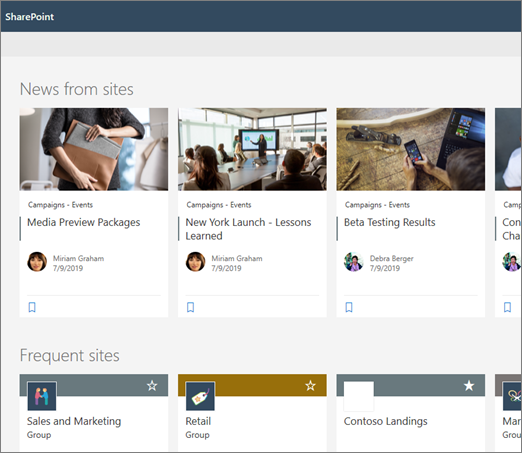
SharePoint – Site Pages trick to convert Pages to News Posts and News Posts to Pages
I needed a way to change a SharePoint Page to a News Post – and also a News Post back to a Page. This column formatting enabled me to do that. See how this is done…
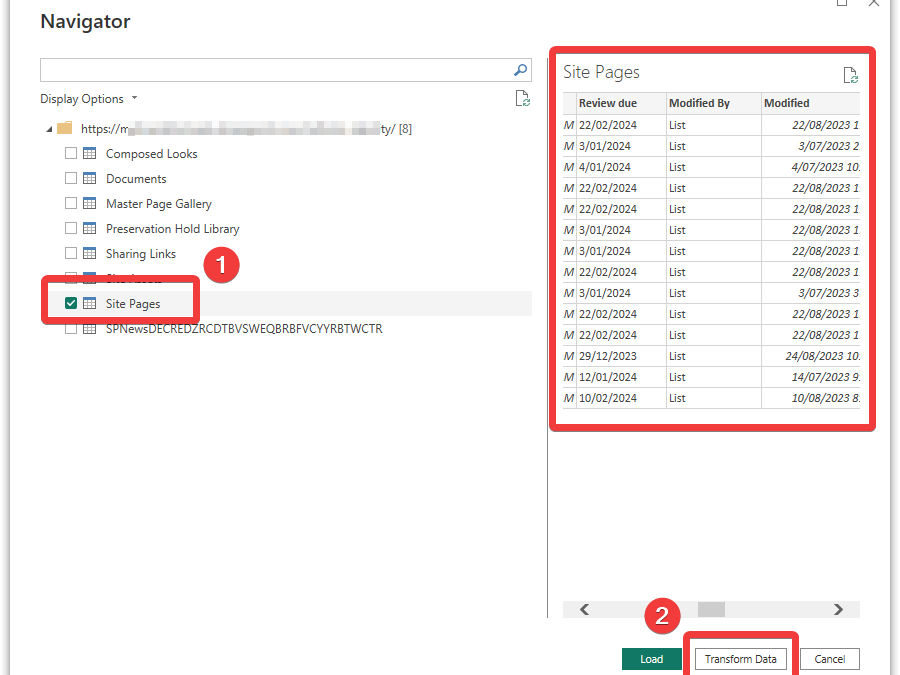
How to Fix the “List” Issue in PowerBI when Using SharePoint People Picker Fields
Have you connected a SharePoint list to Power BI but only see the word List or Record in the column fields? Here’s how to expand that cell to display the content from SharePoint list that you want to see. This is especially useful when you want to display a Person’s name from a People Picker field in SharePoint.
SharePoint – convert a News Post back to a standard Page
Solved: How to demote a SharePoint News Post back to a standard SharePoint Page! This will stop those pages appearing in News Feeds and news post webparts.

Campbell Smythe
Learning and Collaboration Technologies Advisor
I am a Learning and Collaboration technologies advisor living in Brisbane, Australia. An educational technology leadership background and experience managing a globally located information technology team, has given me wide experience in the application of digital technologies to a variety of educational and workplace contexts.
- Microsoft Certified:
- Power Platform
- Office 365
- Service Adoption Specialist
- eSports Leader
- Microsoft Innovative Educator
- Apple Teacher
- Google Educator
- Mountain Biker and Triathlete