Minecraft: Education Edition – How to Delete Custom Skins
Download the file – DeleteSkinPacks.bat and double click it to run on your computer (Windows only at this stage…)

Download the file – DeleteSkinPacks.bat and double click it to run on your computer (Windows only at this stage…)
Are you using Minecraft’s Compound Creator?
There are a bunch of YouTube videos showing how to create a lightsaber in Minecraft: Education Edition, but I’ve found them too hard to follow and figured you would as well.
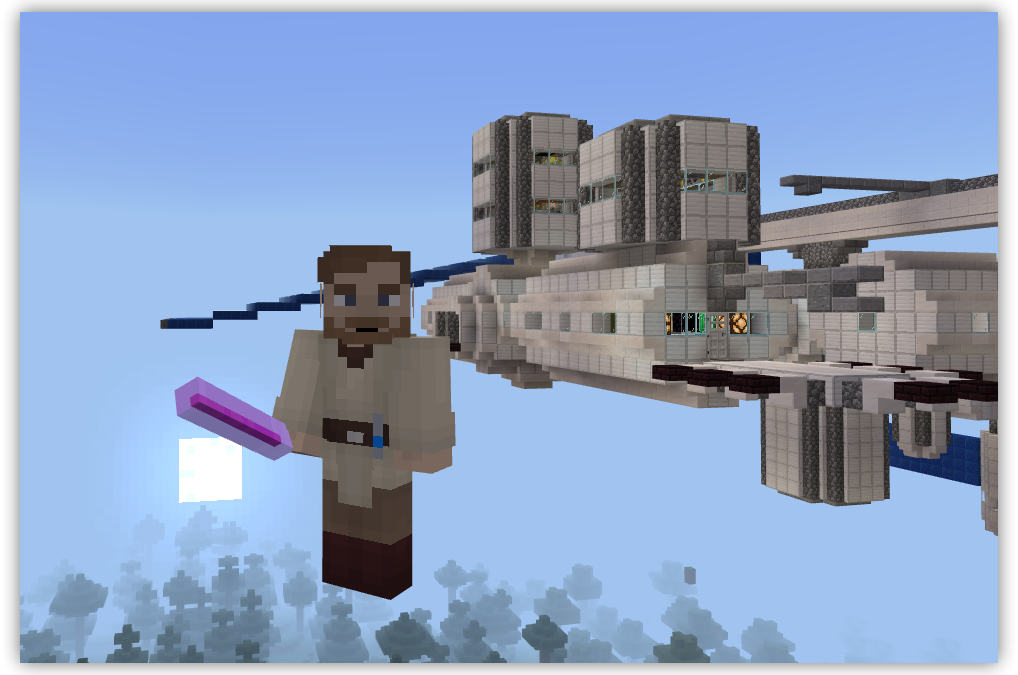
What we will go through is using Minecraft: Education Edition’s Compound Creator to craft a glow stick – which will have you looking like a genuine Jedi Knight (or Sith Lord!) with a lightsaber.
Start by opening your Inventory (press the E key) and search for each of the following elements and add them to your Inventory by dragging and dropping them to a free square.
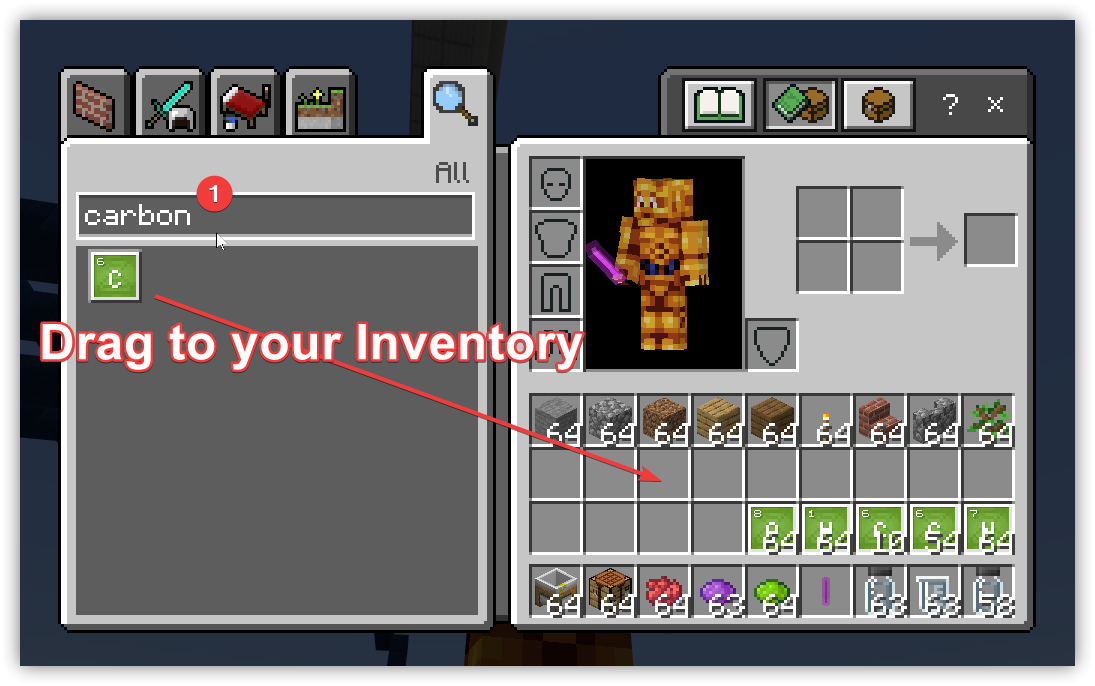
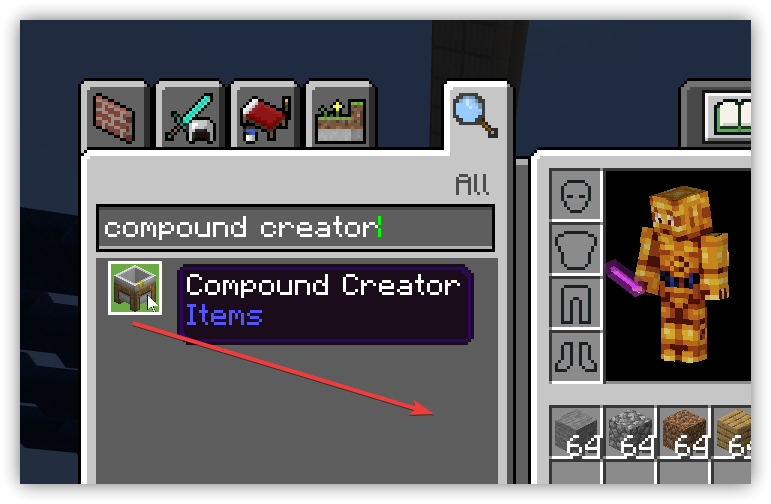
Add to your Inventory the Compound Creator block. Search for this then drag this to an empty box in your inventory.
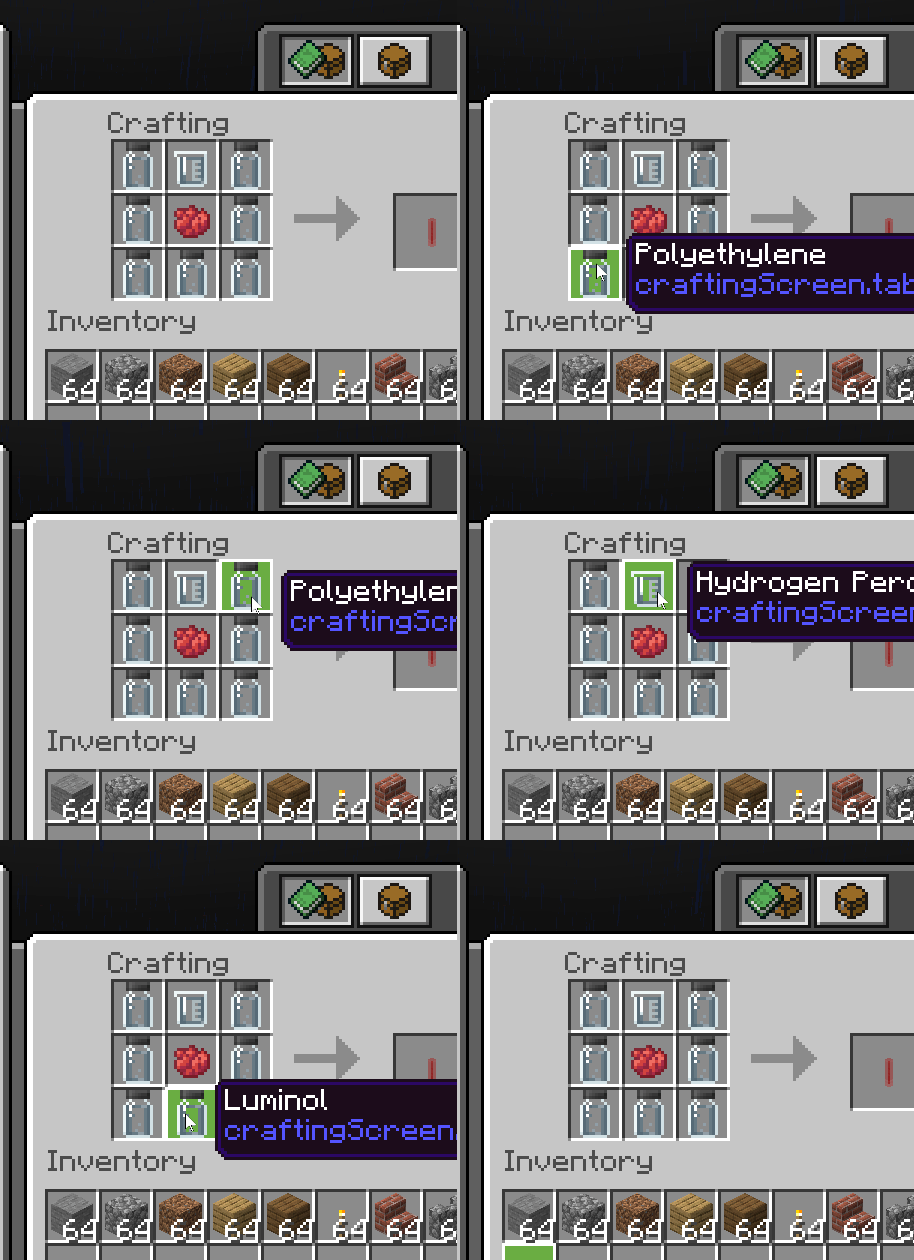
Place (right click) the Compound Creator block in your game and use the elements in your inventory to create the following three compounds by placing the required elements on the Compound Creator (drag then right click to add the required number of elements):
The recipe for a Lightsaber in Minecraft is: