Minecraft: Education Edition – How to add a custom skin on Apple iPad

Minecraft: Education Edition – How to add a custom skin on Apple iPad

Every gamer wants to have their own player skin – here’s how you can set your custom skin in Minecraft Education Edition using an iPad.

Minecraft Education Edition – set a custom skin on an iPad

What you will need:

  • iPad
  • a PNG file of a Minecraft skin (download free from Skindex) for this demo I’m using the green Among Us


Installing Custom Skin on iPad – Minecraft Education Edition

Go to Skindex and choose a skin to download – save the download to your iPad
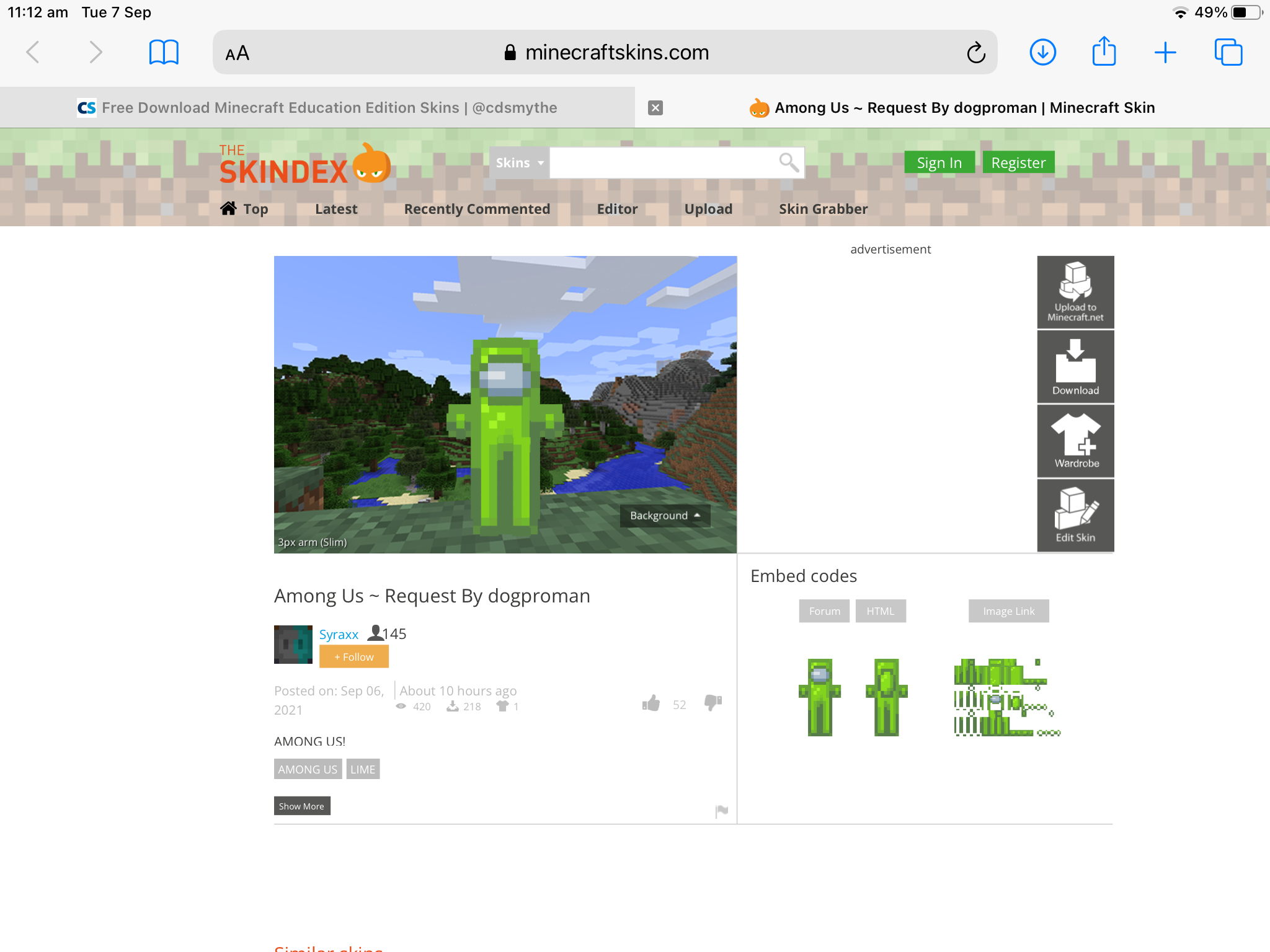
Custom minecraft education edition skins on ipad

Complete the mcpack creator Form

– Skin pack name – any name for the pack eg. Among Us
– Add your skin – tap the box to choose it (you can add several skins at once)
– Each skin is named from its file name – tap the name to change it
– Choose Steve or Alex for the body shape
– Tap Download Pack
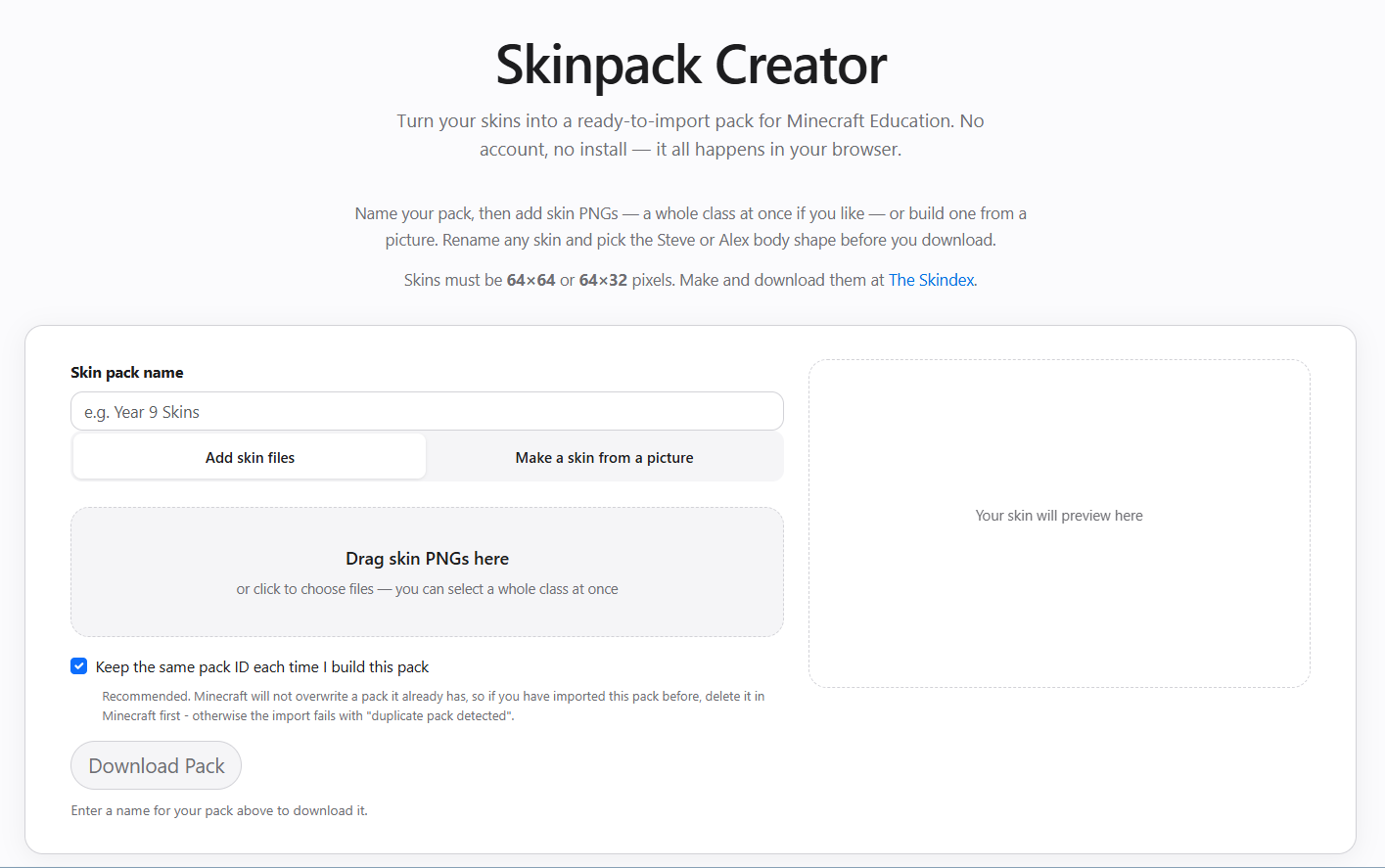
Minecraft custom skin mcpack creator


The MCPACK creator form will create the mcpack and offer it to download – save this to your iPad
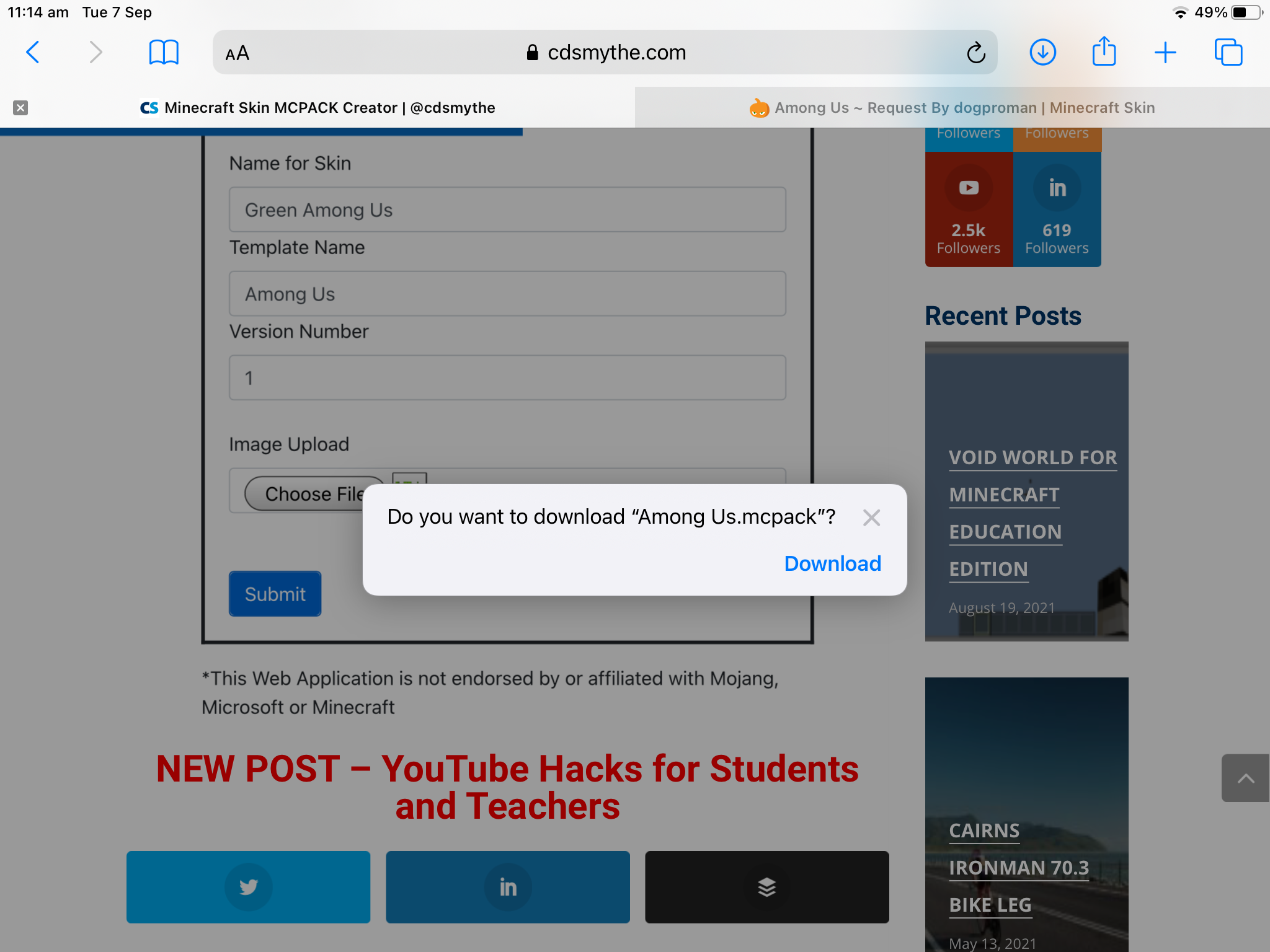

Custom minecraft education edition skins on ipad

browse to the downloaded file and tap it to open it
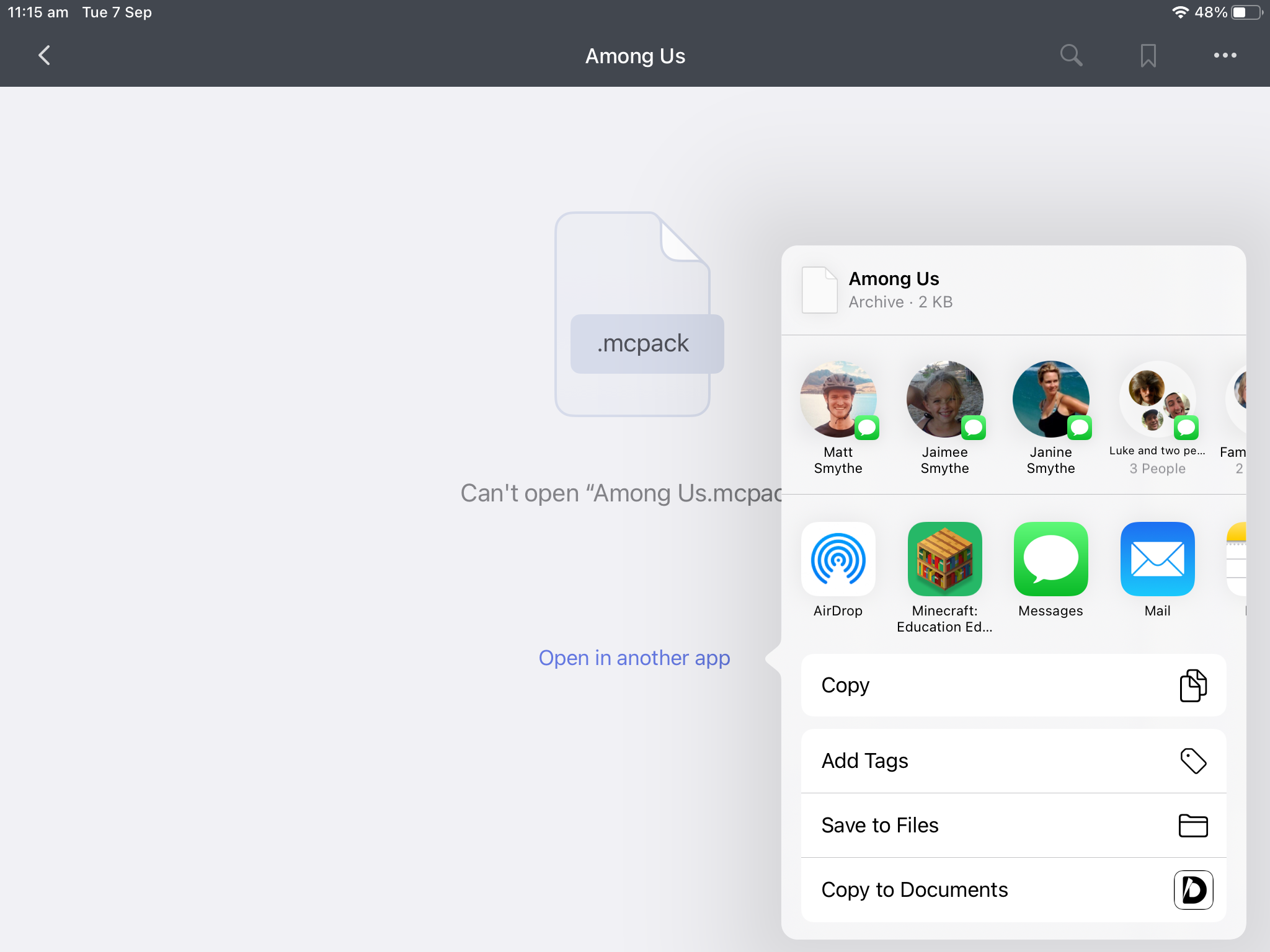
Custom minecraft education edition skins on ipad

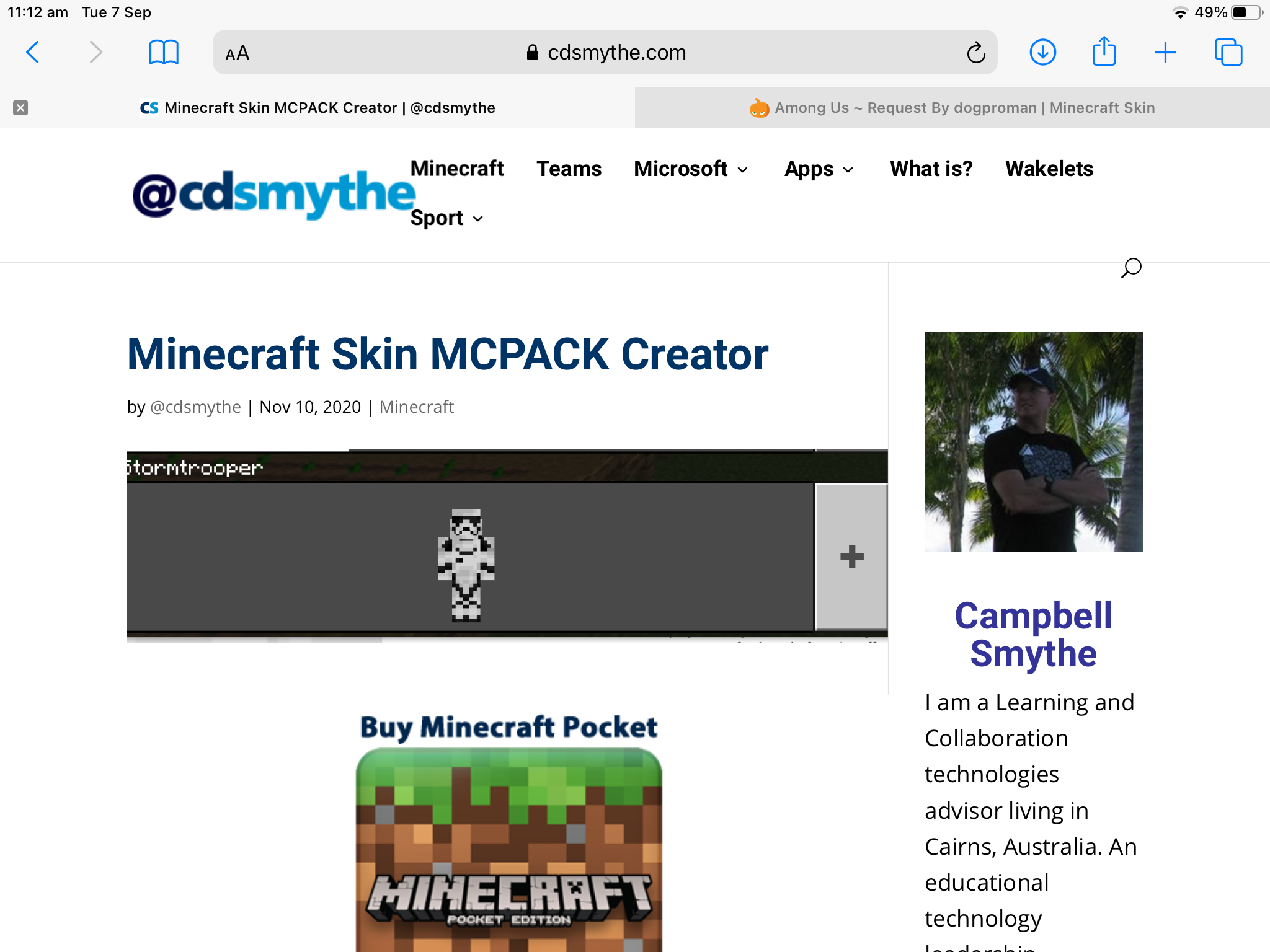
Minecraft Education Edition will open on your iPad and Import your custom skin into the game
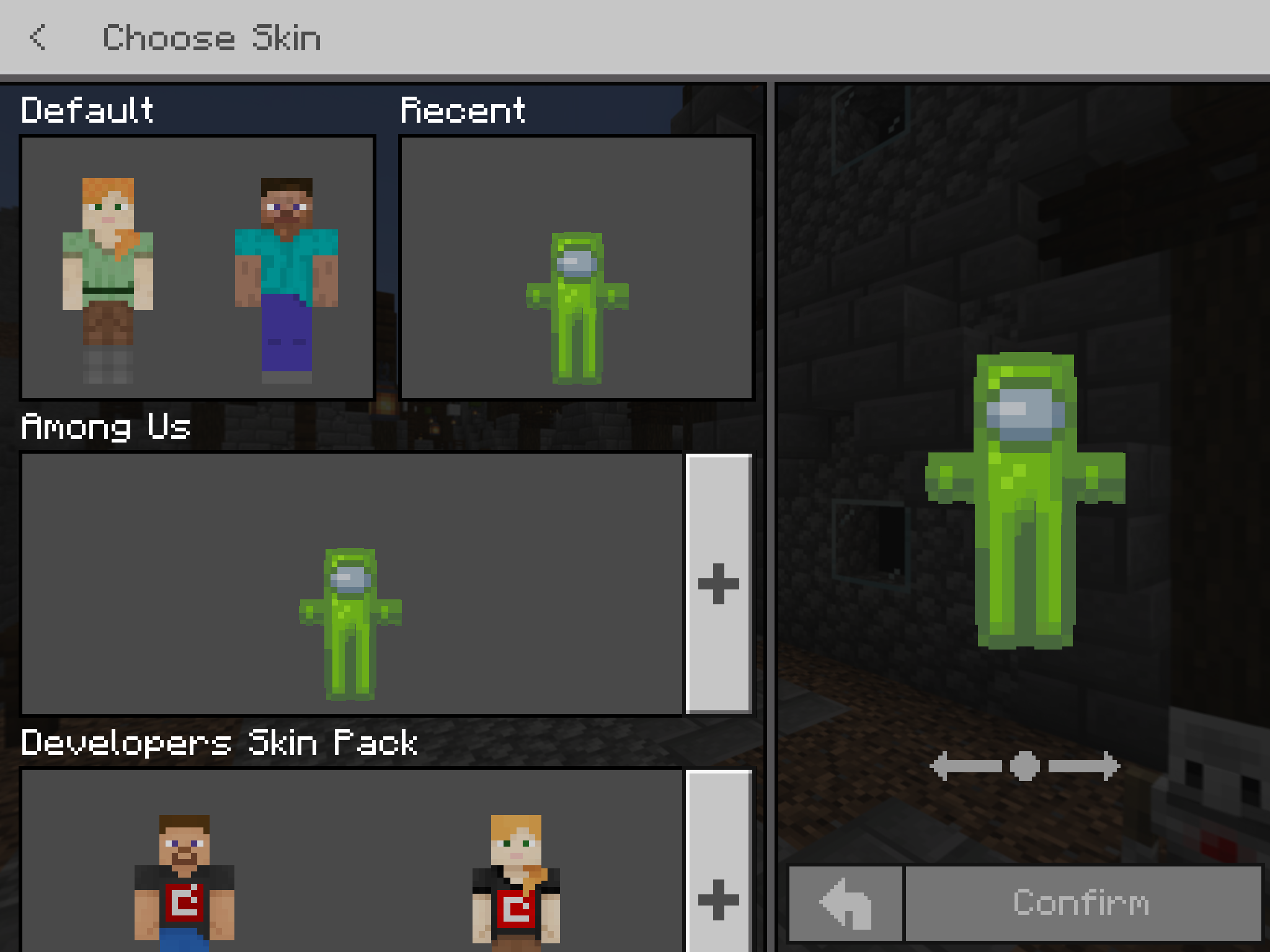
Custom minecraft education edition skins on ipad

Minecraft: Education Edition – Void World

Minecraft: Education Edition – Void World

Hey if you’re looking for a Void World to use in Minecraft: Education Edition you can download one from here:

How to Import Minecraft Education Edition Void World into Minecraft:EE


1 – Download the Void World mcworld file and save on your computer

Download Void World for Minecraft Education Edition


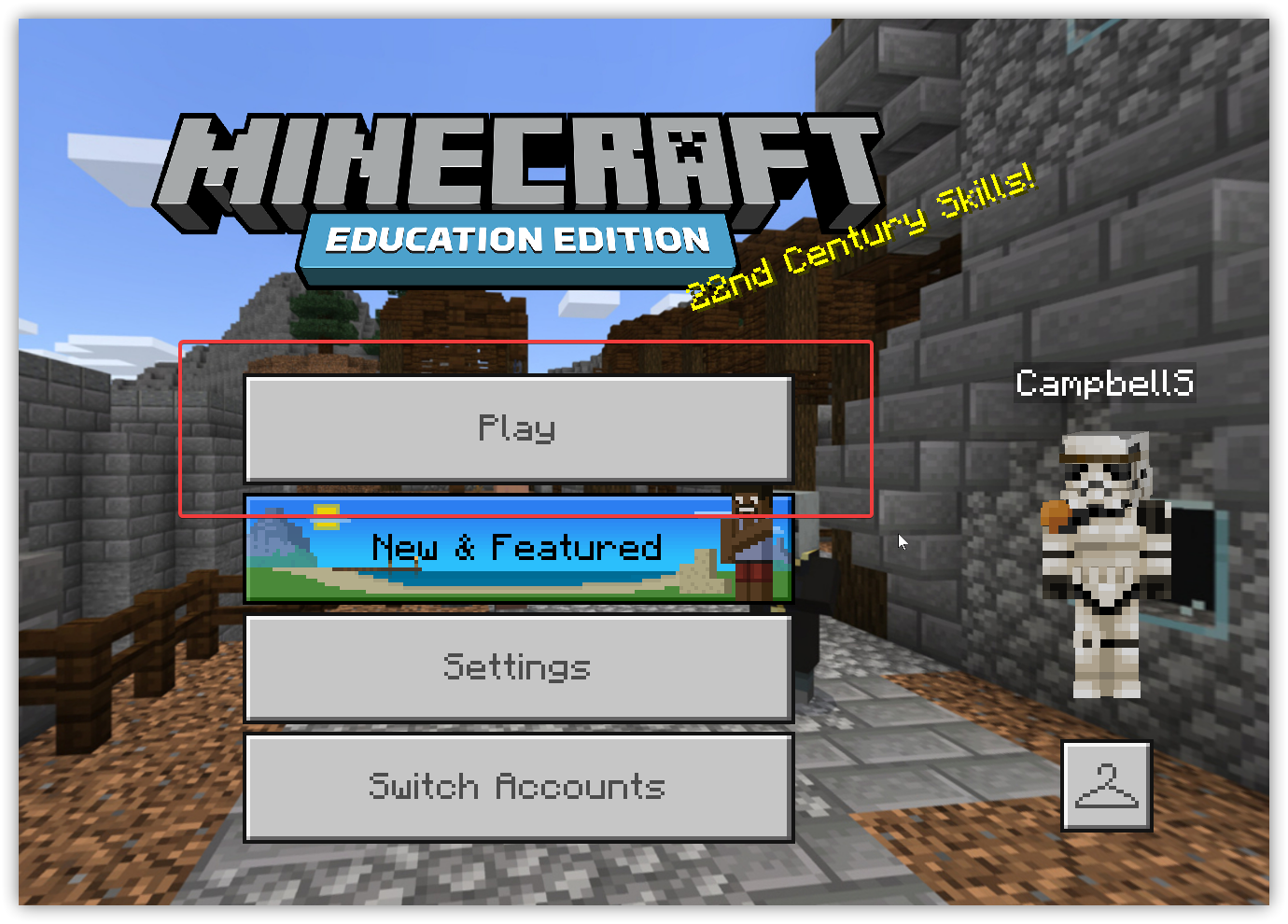
2 – Open Minecraft: Education Edition and Click Play

minecraft education edition void world download free 1


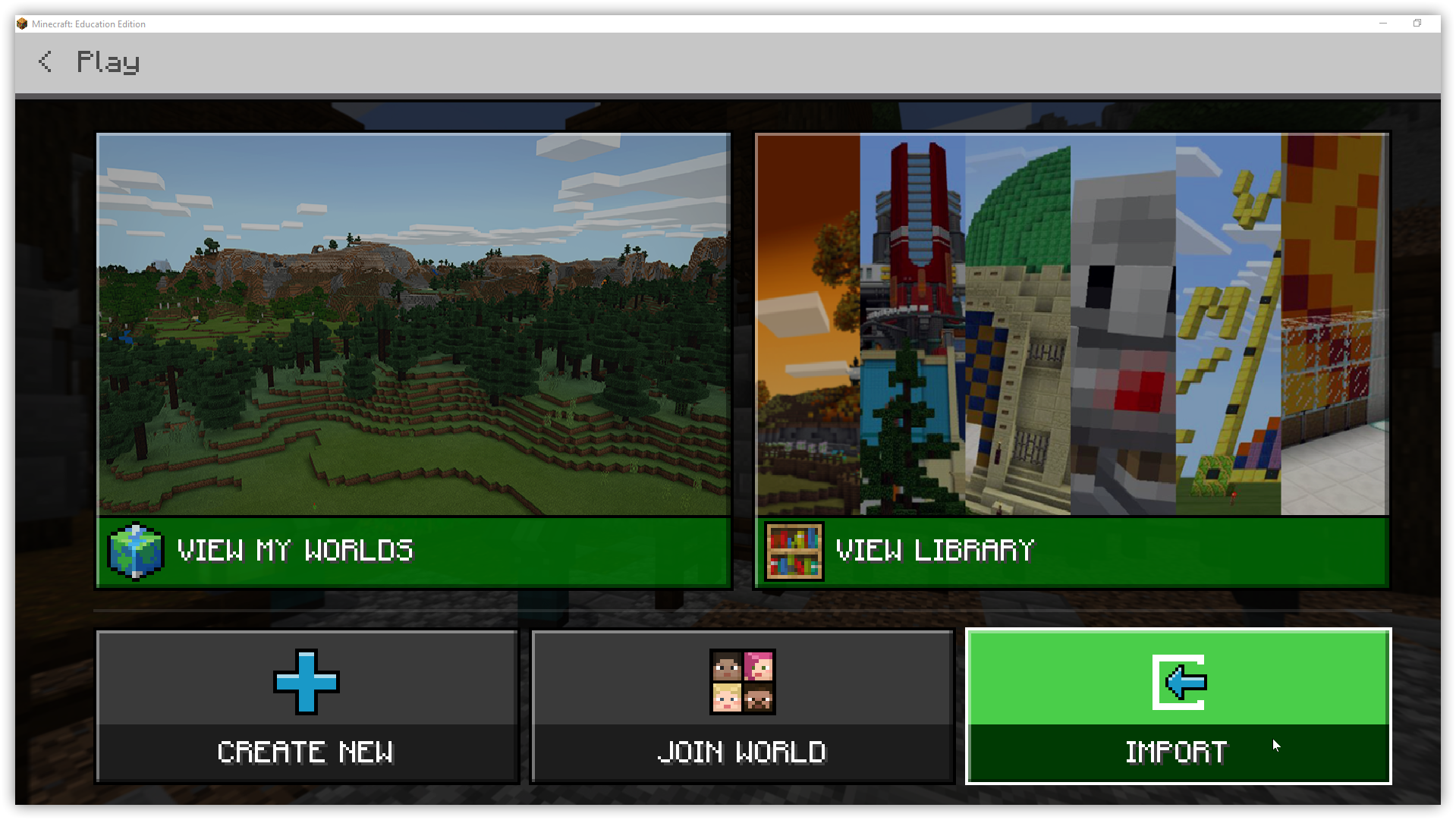
3 – Click the Import button and browse your device, select the downloaded Void World, click OK

minecraft education edition void world download free


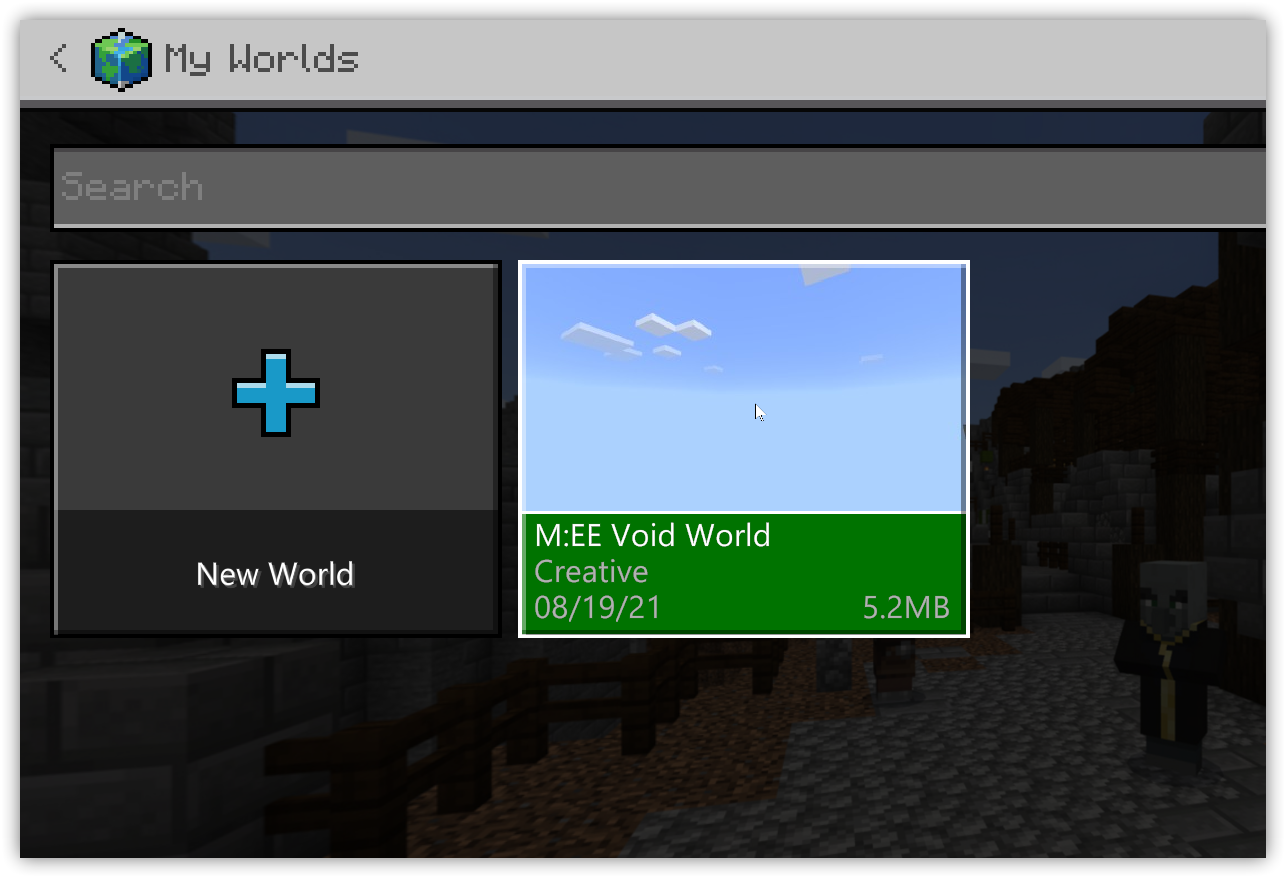
4 – Click View My Worlds to open the M:EE Void World in Minecraft Education Edition

minecraft education edition void world download free 1

Minecraft: Education Edition – How to make a Star Wars Lightsaber

Minecraft: Education Edition – How to make a Star Wars Lightsaber

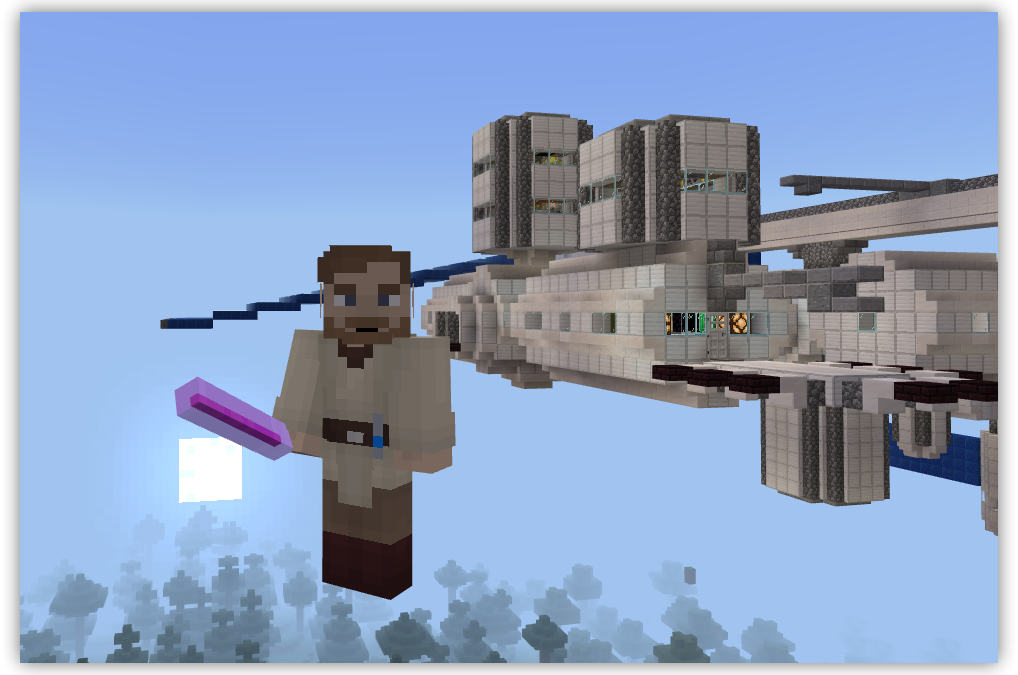
Who doesn’t want to play Minecraft: Education Edition without a lightsaber?!!

Are you using Minecraft’s Compound Creator?

There are a bunch of YouTube videos showing how to create a lightsaber in Minecraft: Education Edition, but I’ve found them too hard to follow and figured you would as well.

What we will go through is using Minecraft: Education Edition’s Compound Creator to craft a glow stick – which will have you looking like a genuine Jedi Knight (or Sith Lord!) with a lightsaber.

Here’s how to Create a Lightsaber in Minecraft: Education Edition

Step 1 -Add required Elements to your Inventory

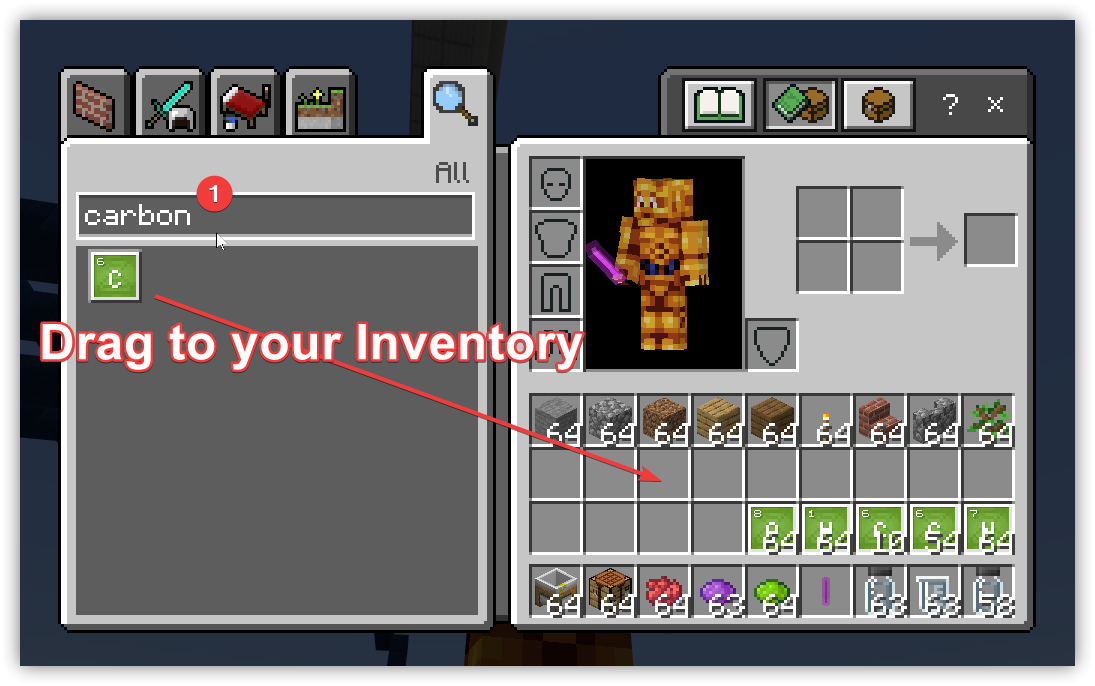
Start by opening your Inventory (press the E key) and search for each of the following elements and add them to your Inventory by dragging and dropping them to a free square.

    • Carbon
    • Dye
    • Nitrogen
    • Hydrogen


minecraft education edition compound recipe lightsaber

Step 2 -Add a Compound Creator Block to your Inventory

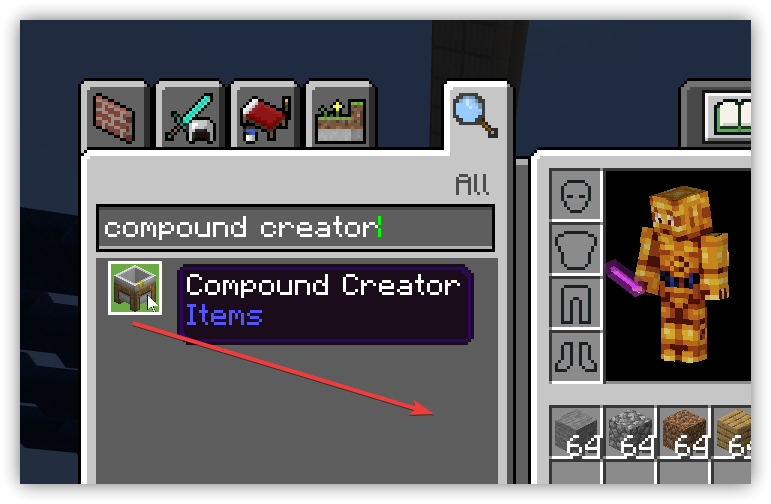
Add to your Inventory the Compound Creator block. Search for this then drag this to an empty box in your inventory.

minecraft education edition compound recipe lightsaber

Step 3 – Place the Compound Creator block in your game

Place (right click) the Compound Creator block in your game and use the elements in your inventory to create the following three compounds by placing the required elements on the Compound Creator (drag then right click to add the required number of elements):

Polyethylene,     Hydrogen Peroxide,     Luminol

    1. Polyethylene – place 10 Carbon and 20 Hydrogen.  Drag the Polyethylene to your Inventory
    2. Hydrogen Peroxide – 2 Hydrogen and 2 Oxygen. Drag the Hydrogen Peroxide to your Inventory
    3. Luminol – 7 Hydrogen, 8 Carbon, 3 Nitrogen, 2 Oxygen. Drag the Luminol to your Inventory


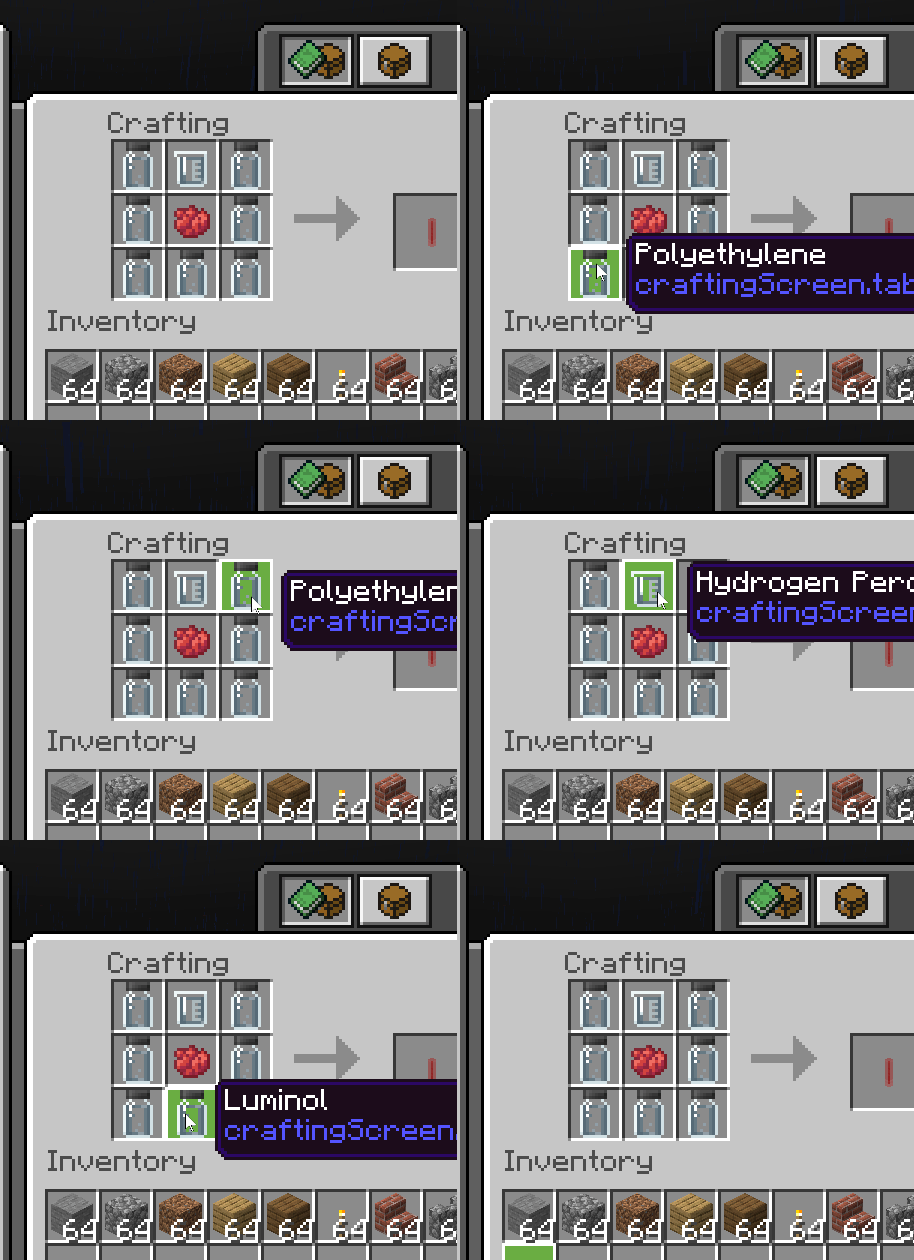
Step 4 – Place a crafting Block in your game and use the following recipe to create your lightsaber

The recipe for a Lightsaber in Minecraft is:

  • Polyethylene on the 3 Left and 3 Right columns
  • Dye in the middle square
  • Luminol in the Bottom middle square
  • Hydrogen Peroxide in the top middle square


minecraft education edition compound recipe lightsaber

Close the Inventory and select the lightsaber – share a screenshot of your new skin with your friends at school but keep it a secret how you did it!!  😎