

3 Tips for using Microsoft Teams Conversations
These 3 tips for using Microsoft Teams Conversations will show you how to: Format Text in a new Conversation Post; Use the @mention to alert a Team Member about a conversation; Use the @mention to alert ALL Team Members about a conversation. I know you will find them useful and help your productivity!
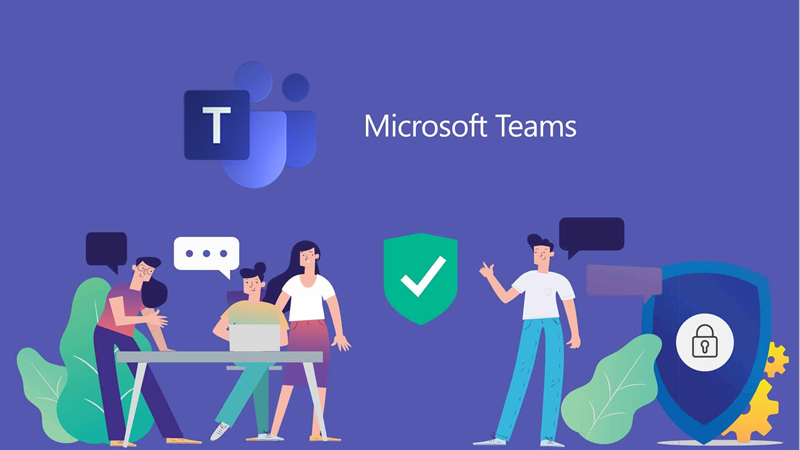
What is Microsoft Teams?
Microsoft Teams is a collaboration tool which provides an online space for a group of people working together. The Team provides communication tools, file storage, information storage and a place for video/text/audio messaging and meetings.
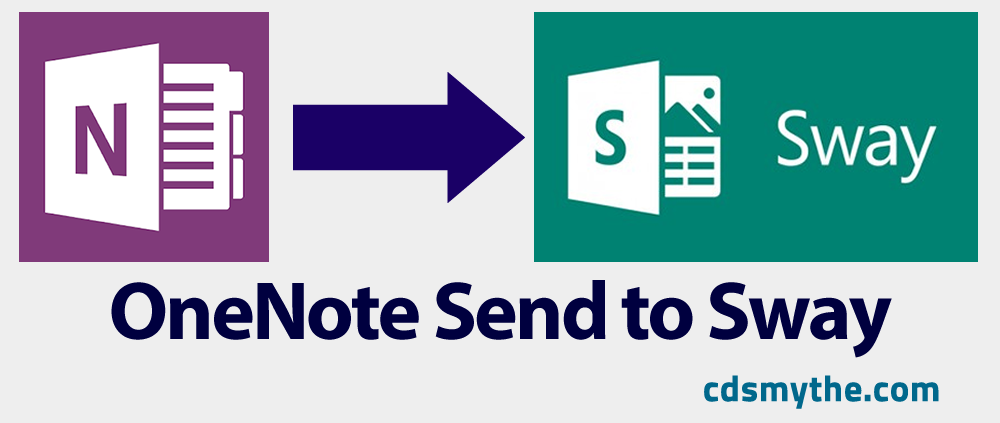
How to – Create in OneNote and Send to Sway
The OneNote Send to sway addin amkes it a simple task to create a Sway multimedia presentation from your OneNote content.

app: Instagram
1 Minute Introduction to Instagram Instagram is an app you use to share photos and short videos with your Followers. You can Follow other Instagram users (people or organisations) and view their images and videos. You can Like, Comment on images and tag your followers...

5 Cool VR apps for Google Cardboard
You've heard of VR right? Virtual reality - the experience (at the moment) of viewing a movie which is presented through a headset in a way that you can look around as though you are in the setting. With headphones and sound you can start getting tricked that it's...
app: OneNote
OneNote is a fantastic notetaking tool included in Microsoft Office and now available on your web browser or as a mobile app for android and iOS.
Create Custom Minecraft: Education Edition Skins

Campbell Smythe
Learning and Collaboration Technologies Advisor
I am a Learning and Collaboration technologies advisor living in Brisbane, Australia. An educational technology leadership background and experience managing a globally located information technology team, has given me wide experience in the application of digital technologies to a variety of educational and workplace contexts.
- Microsoft Certified:
- Power Platform
- Office 365
- Service Adoption Specialist
- eSports Leader
- Microsoft Innovative Educator
- Apple Teacher
- Google Educator
- Mountain Biker and Triathlete
No Results Found
The page you requested could not be found. Try refining your search, or use the navigation above to locate the post.