SOLVED: Dell Latitude asks for Bitlocker key on start up when I never set it up?

SOLVED: Dell Latitude asks for Bitlocker key on start up when I never set it up?

So I turned on my laptop and got the classic DOS looking error message that my battery was critically low.I have seen this before so – no problemo.  Just solve by grabbing the power pack and plug it in. So I did.

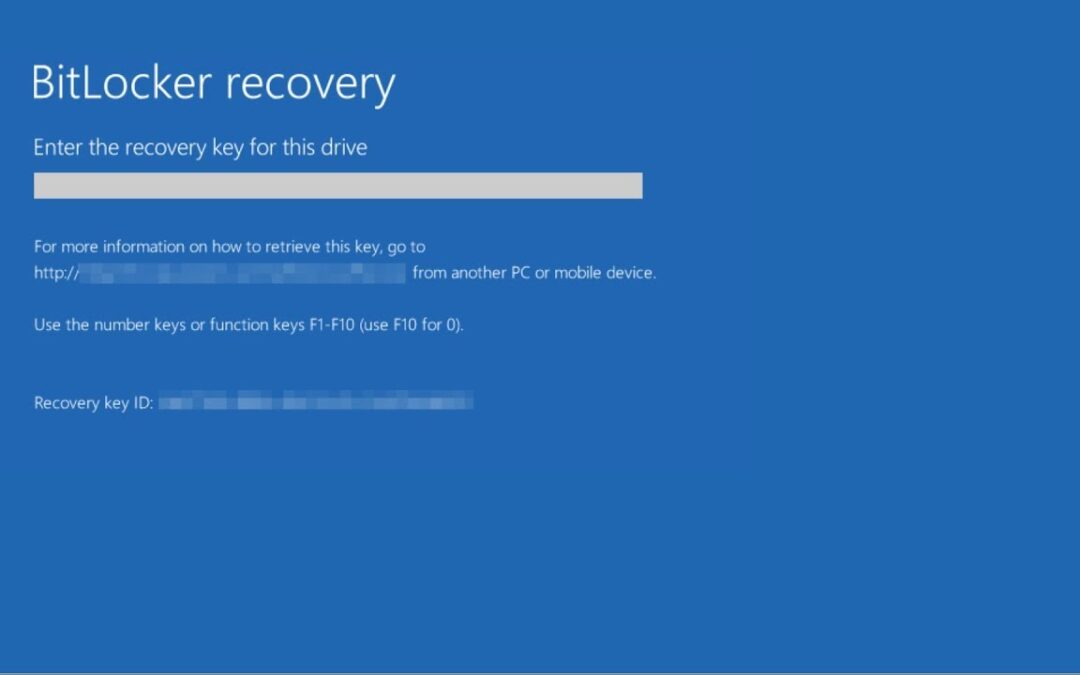
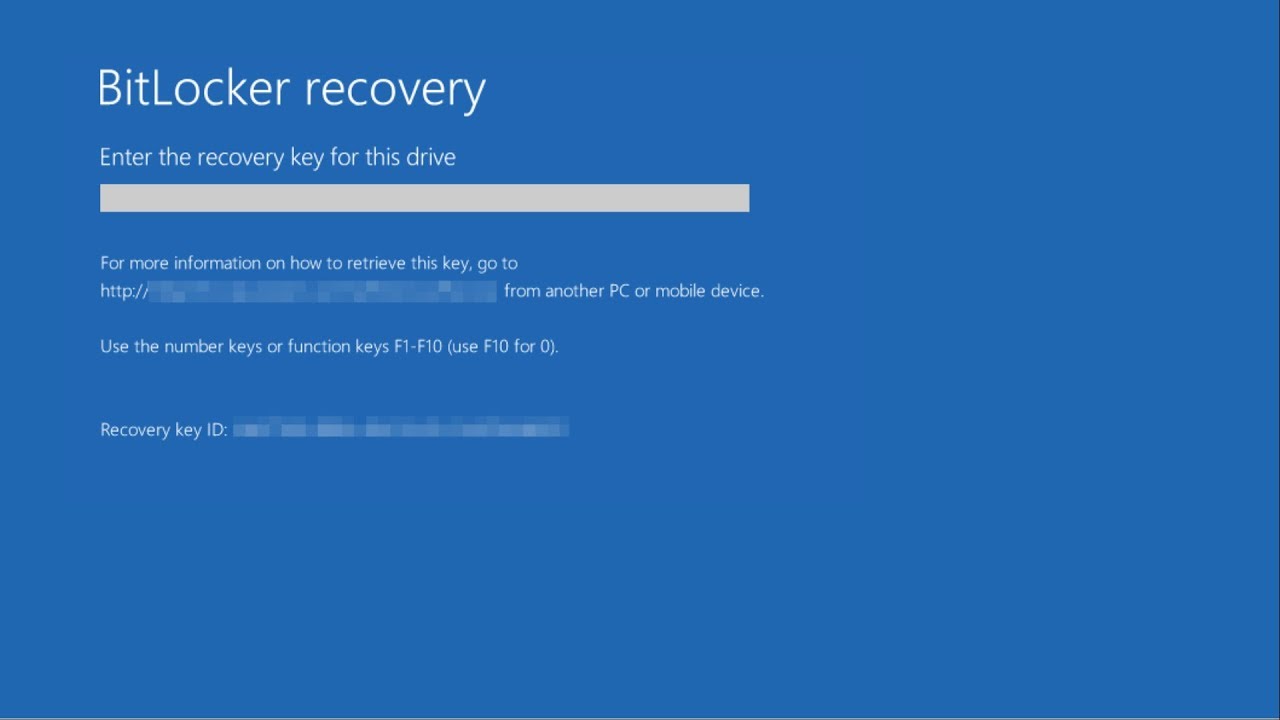
BUT – after the Dell logo appeared a new screen appeared which I have never seen, asking me to enter the Bitlocker recovery key!!!
Bitlocker Recovery Key error solved

I had heard of Bitlocker, but never used it before and certainly hadn’t set it up on this laptop. On the error page (above) I followed the instructions and logged into my Microsoft account from my phone to access the Bitlocker Key.

Once I was logged in on my phone my account clearly stated – that I haven’t setup Bitlocker……

So I started researching trying to see how to resolve this. It wasn’t pretty. Most of if not all “solutions” were to simply reinstall Windows. “SIMPLY” was not what I wanted to do. 

Solution to Bitlocker Key Error message on computer startup

So I decided to be patient – the first error was the low battery, so I decided to simply shut the laptop down and leave it on charge overnight.

Next day I started up the laptop and – all good, no more Bitlocker error, simply logged in to Windows and wrote this blog post.

Hope it’s helpful for someone and hope you didn’t have to “simply” reinstall Windows. And all your apps. And download key documents.

Other Bitlocker Troubleshooting Links (for various devices)
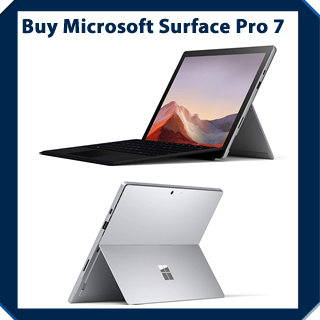
buy surface pro 7
Favourite Apps I use on Windows

Favourite Apps I use on Windows

As a software trainer I am frequently asked what apps I use to get done what I need to. Or during a training session I will use an app and it will get someone’s attention.

Here’s a list of my preferred apps and their uses:


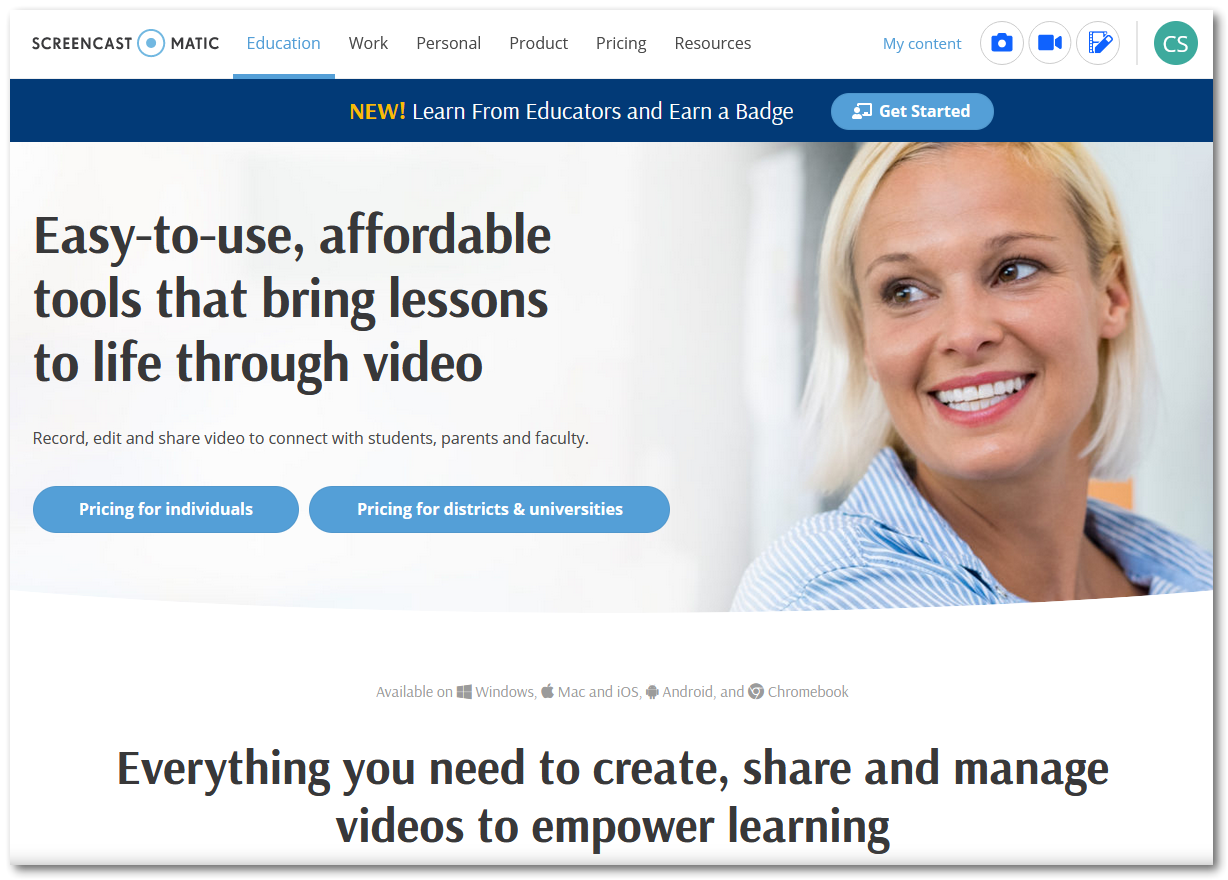
the best screen recorder screencast-o-matic

Screen Recording and Publishing – Screencast – O – Matic

Screencast-o-matic is my goto for screen recording and publishing. It’s affordable for the full features, the built in editor enables me to easily zoom, annotate, blur etc my videos, and I can easily save them to OneDrive or publish directly to my YouTube channel.  I have it installed on my iPad and iPhone as well to record training. Paid plan gives me unlimited recording length and access to royalty free images and video clips to use as well.

I pay $48 annually for the Solo Premier plan which for me is great value for money for a core tool in my role.


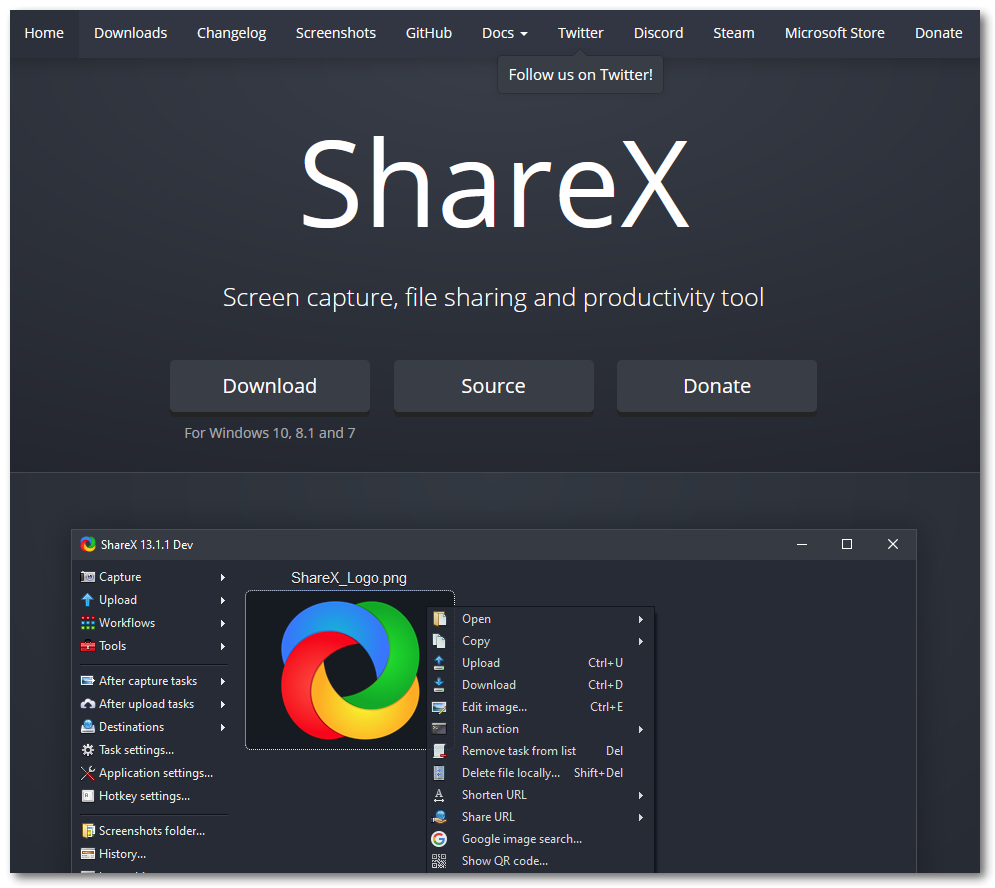
the best Windows screenshot software - ShareX

Screenshots and Editing – ShareX

ShareX is a free screenshot program with a massive amount of features. Full list on their website. My typical use would be to capture a screenshot and edit it using tools such as – blur, pixelate, highlight, outline circle/square, add arrows, labels, stickers Step numbers.  Then save to OneDrive. It has more than I need. Totally free. App sits in the Quick Launch tray for easy access.

ShareX is a free software.


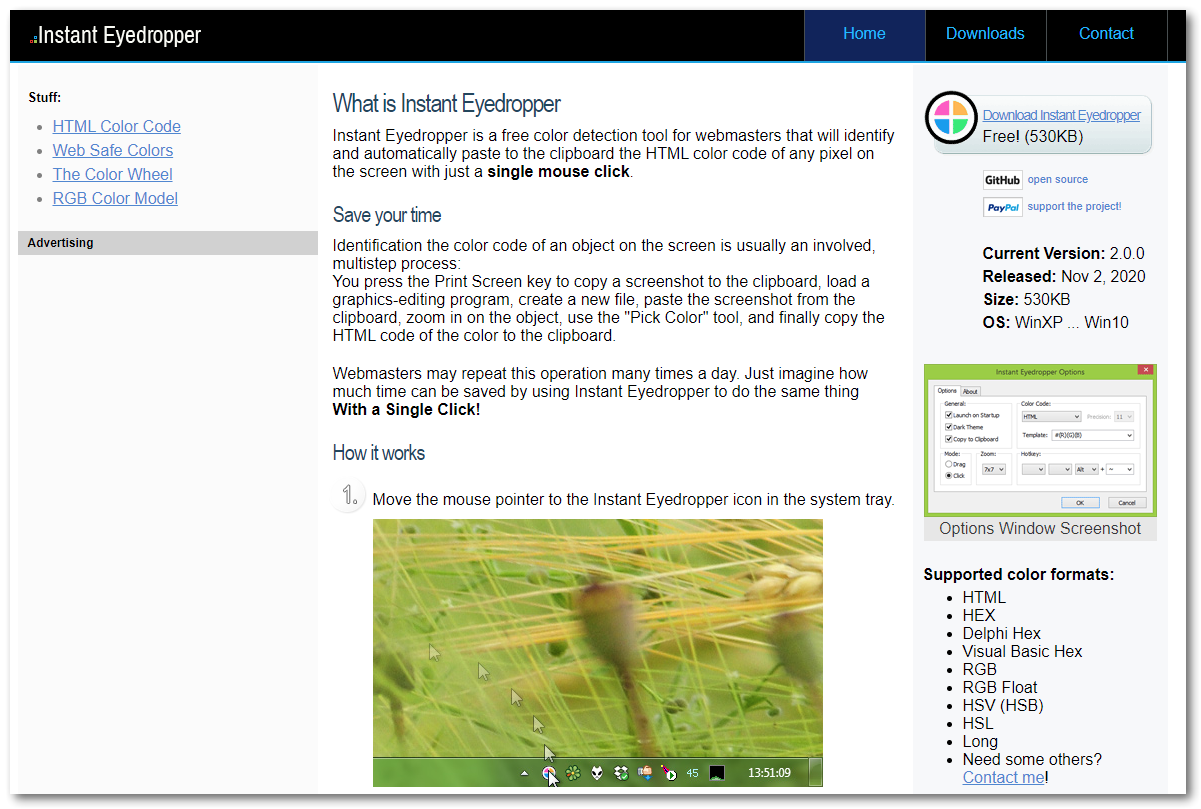
best color picker app - Instant Eyedropper

Colour Picking Tool – Instant Eyedropper

Instant Eyedropper is a free colour detection tool that I use to identify and copy to my clipboard a colour on the screen that I click on. I use it a lot to match colours when designing and creating images, logos and websites. Super useful and sits in the Quick Launch tray, click it then mouse over a colour on your screen, one click and that colour code is in your clipboard ready to paste.

Instant Eyedropper is free software.


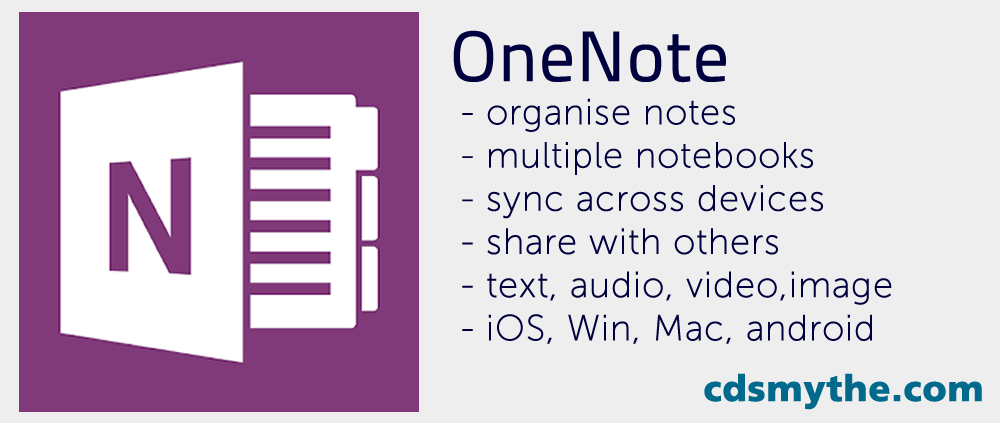
OneNote app - vis cdsmythe.com

Note Taking and Record Keeping – OneNote

OneNote is what I use to record information. I create notebooks for different areas of life and in each notebook divide it into sections which contains pages for topics. For example in my Personal notebook I have a section for Warranties and create a new page in that section each time I buy a product with a warranty. I simply take a photo of the receipt and insert it into the page.  Fully searchable, it makes finding those instructions, recipes, car details, manuals, flight itinerarys and anything recorded, easy to access.  Plus it is available on all my devices. So whether I am on my iPad, iPhone or computer I can get it all, with note changes syncing so the latest is always available.

OneNote is included in my $99 Office 365 subscription.


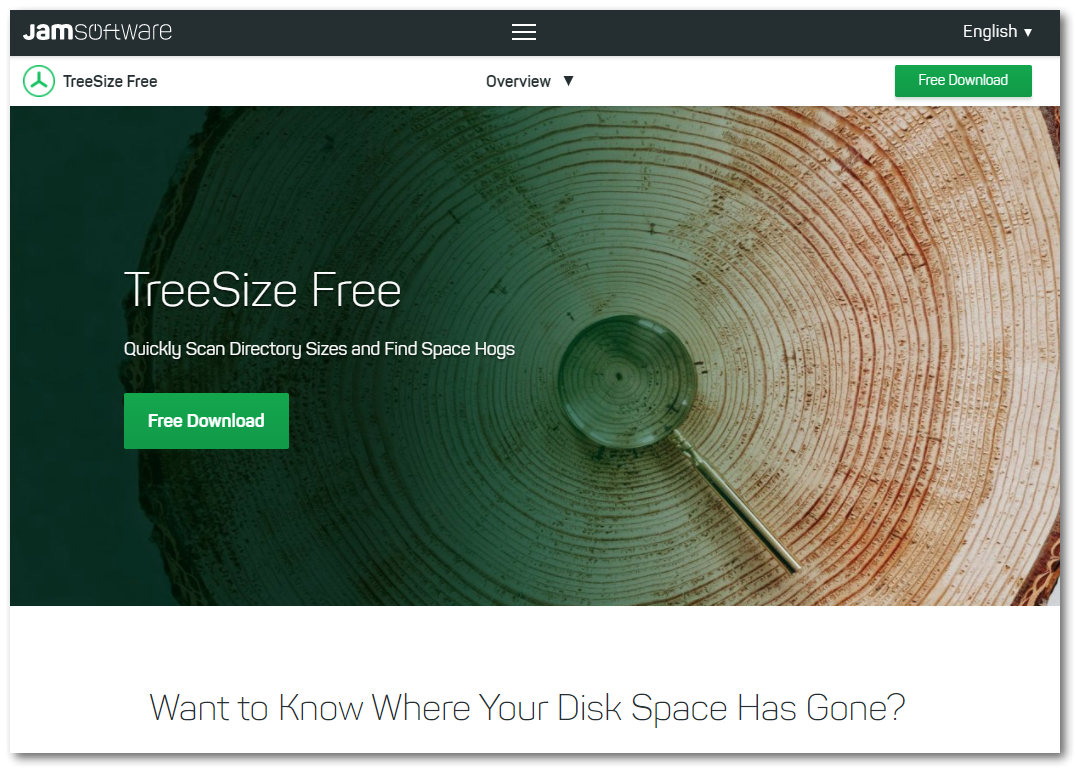
Disk management - Treesize free

Disk Space Management – TreeSize Free

TreeSize Free is a free little utility which helps me find where my disk storage space has gone. It will scan the directory you tell it (eg. C: ) and list folders with the Gigs or Megs of data stored in them. From there you can drill down into any folder to identify what is taking up space. Useful, I dont use it every day and to be honest as I write this Im wondering if there is something in Windows which does this – and if not – why not?

I use the free version Treesize Free (there is also a Pro version)


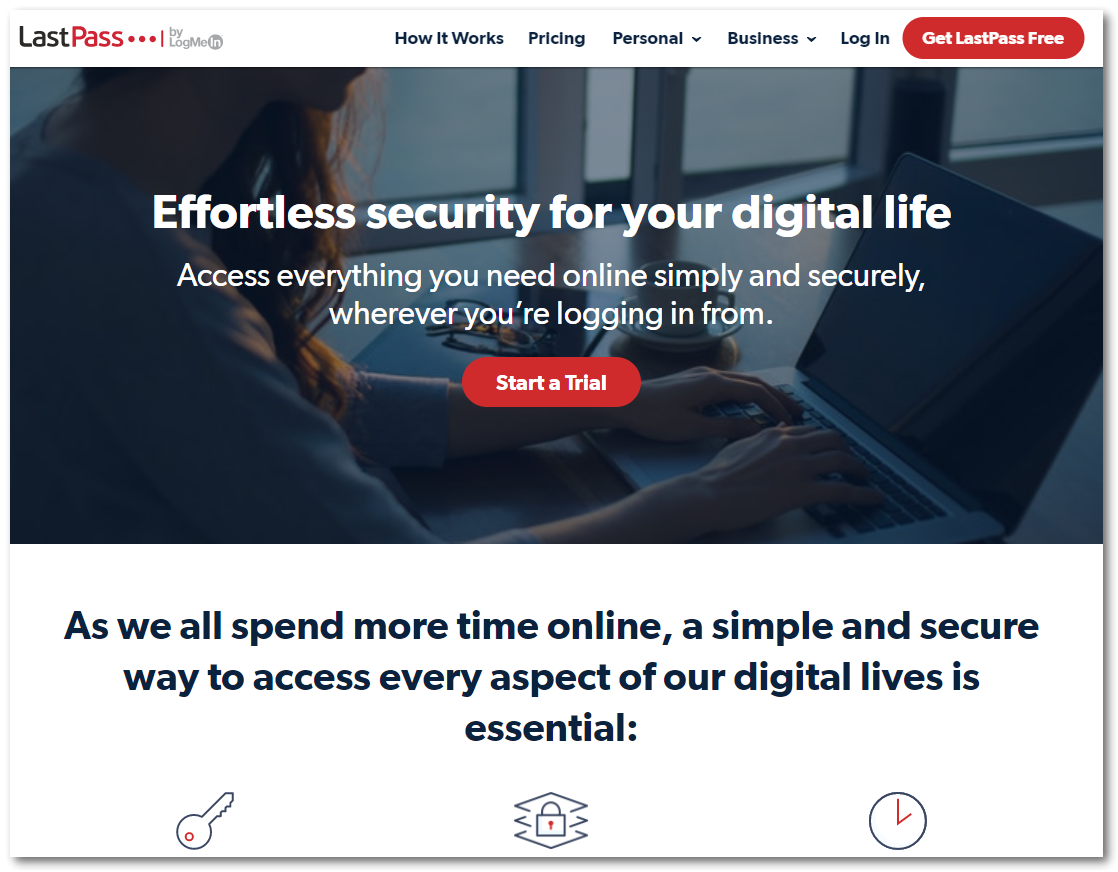
best windows password creator and wallet vault

Password Management – LastPass

LastPass – I pay to get the Premium account for this which enables me to have LastPass installed on an unlimited number of devices. Phones, iPads, work and personal computers.  Changes to passwords and my password vault sync across these devices so I am always up to date. I use it mostly to generate hard passwords and remembering them when I sign up to something online.

I use the $54 per annum Premium version.

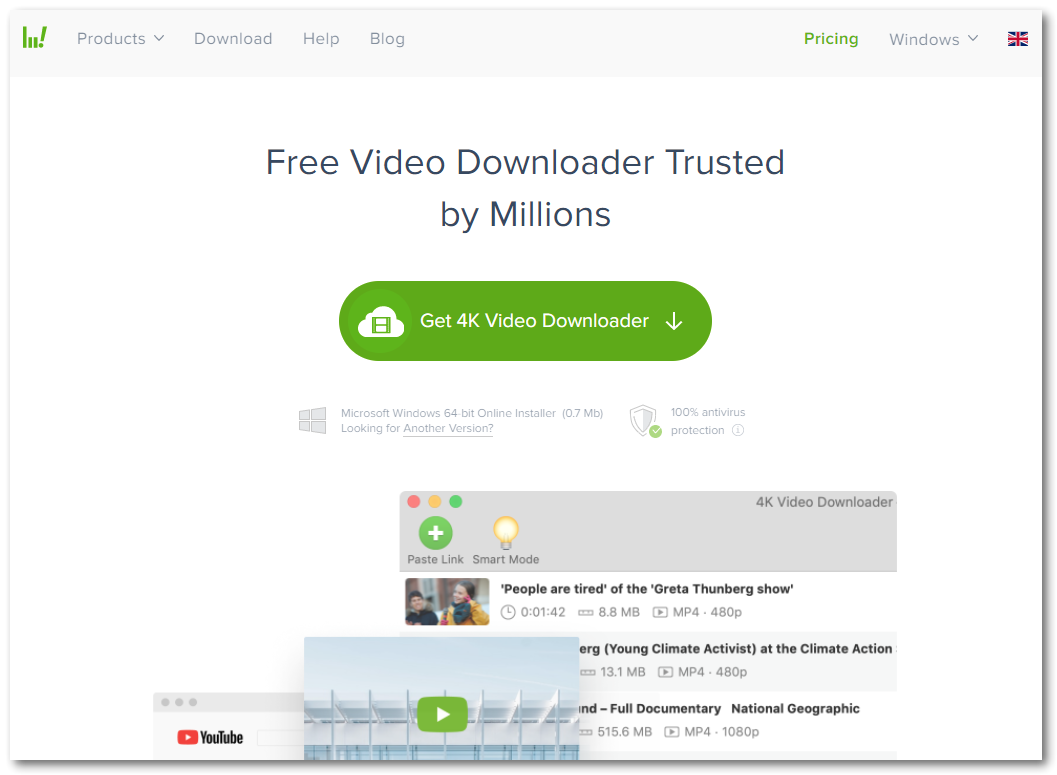
best video download app 4k video downloader

Video Downloader – 4K Video Downloader

I prefer to download some videos and use them in presentations rather than linking to them, so I know they are available and will play when required! 4K Video Downloader is an app I pay for, cost me one off $15 and I can use it on two computers. I don’t use it every week, but it lets me download videos or video playlists to my computer really easily.

$15 one off registration for 2 computers.

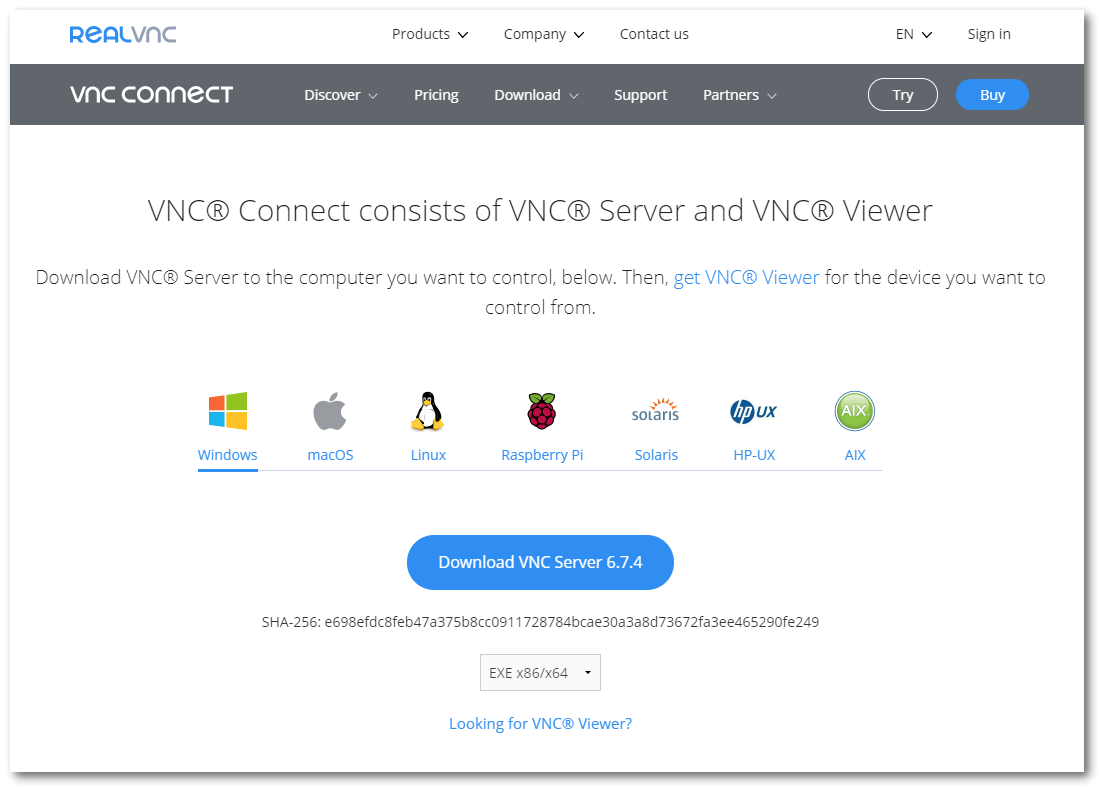
Best remote software realvnc vnc server viewer

Remote Computer Access – RealVNC

I do some messing about with RaspberryPI devices and sometimes have to access them remotely. I also have a desktop setup at home and a PC media centre connected to my TV. Instead of accessing these computers all individually I installed VNC Server on each of them, then VNC Viewer onto the computers that I would use to access those from. It means wherever I am connected I can access those computers if needed.

I use the free versions of VNC Server and VNC Viewer to get this done.


How to use ublock origin

Web Browser Content Blocking plugin – uBlock Origin

I use uBlock Origin, a web browser plugin to block content I’d rather not see. This includes adverts, tracking and malware sites.  I use it in Firefox, Edge and Chrome. It’s nice and easy to turn off it a website is getting content blocked that you need to see – just turn it off for that site and refresh the page.


How to fix: SharePoint opens an extra Browser Tab when opening a Link in the Quick Launch

How to fix: SharePoint opens an extra Browser Tab when opening a Link in the Quick Launch

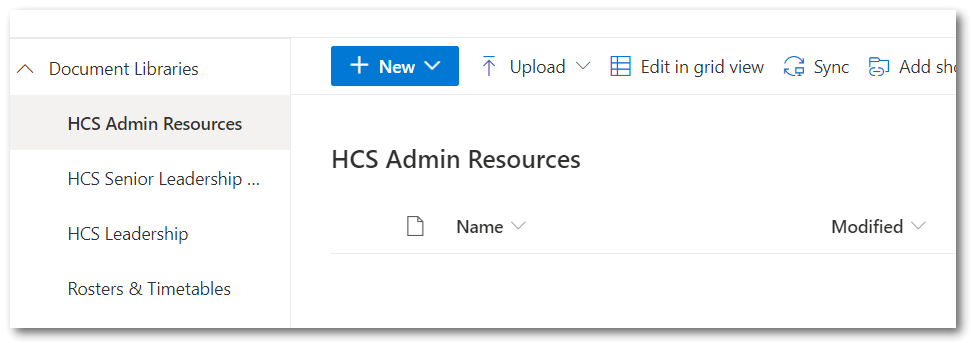
I keep noticing an issue in SharePoint where Quick Launch links to Document Libraries in our SharePoint Modern sites started opening up an extra Untitled Tab in the web browser. This was driving me and our staff a little nuts.

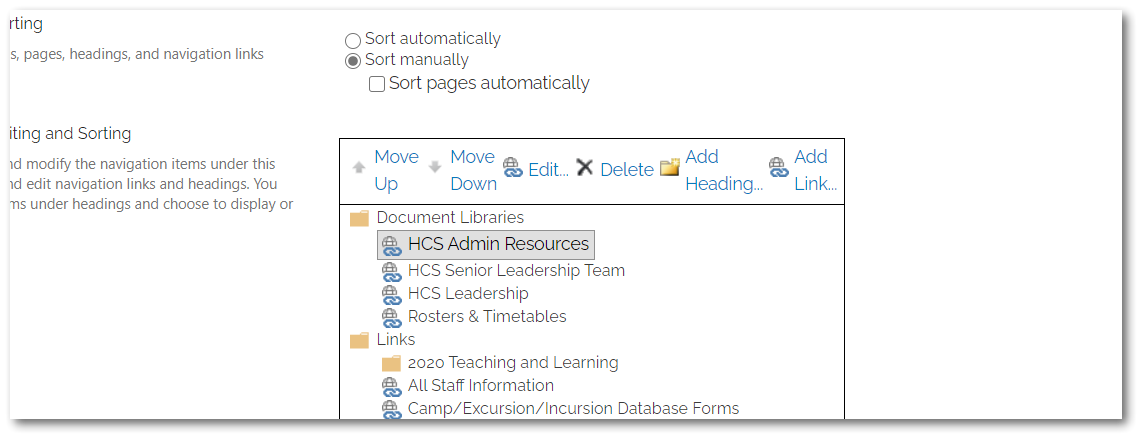
If it’s happening on your SharePoint site – just delete the Quick Launch link and manually create another in the Site Settings > Navigation.

It seems that the cause “may” be with how the link to the Document Library was created. (I’ve found one link and tested this solution so far, maybe confirm in the Comments if you see and fix this the same way…)

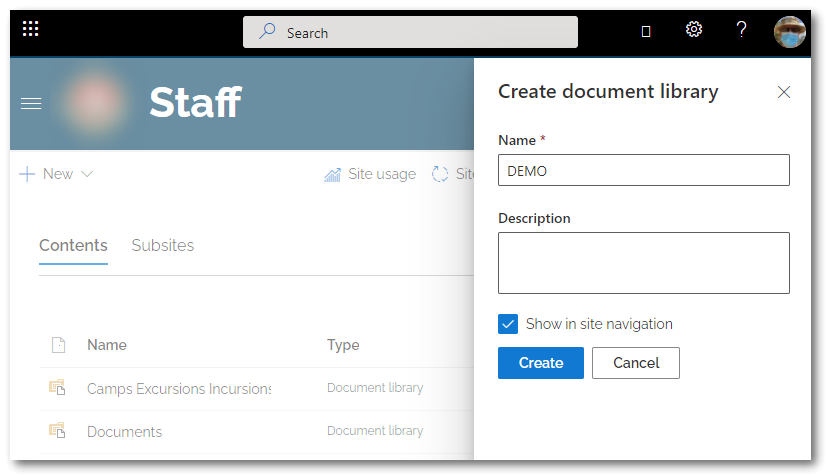
I think if when creating the Document Library from the Site Contents Section New+ button you choose to “Show in Site Navigation” then that created Link somehow opens up an extra unwanted Tab…..However I created a test Document Library and Link – and it worked fine in Edge.

Sharepoint quick launch link opens two tabs extra tab

How to stop SharePoint Quick Launch Links opening an extra browser tab

If I create a Document Library in SharePoint and during the create process choose the option to add it to the Quick Launch navigation menu, it may open an extra unwanted browser tab when clicked.  If I then delete that Link and manually create a link in the Quick Launch Navigation the extra tab doesn’t get opened when clicking the SharePoint Document Library Link.

Sharepoint quick launch link opens two tabs extra tab

So I’m advising our Staff to create the SharePoint Document Library then manually create the Quick Launch link to avoid having SharePoint open two tabs when you click the link.

Microsoft Teams – How to Create a Read Only Folder in the Files Section

Microsoft Teams – How to Create a Read Only Folder in the Files Section

Updated: September 2020

Most of the Microsoft Teams created in our organisation are for supporting the collaboration in our professional learning communities.

In these Teams, every Team member can edit files stored in the Microsoft Team’s Files section.  But what if you just want a location to store documents which your team can’t edit for some reason?  Here’s how to setup such a folder.

How to Create a Read Only Folder in Microsoft Teams Files Section

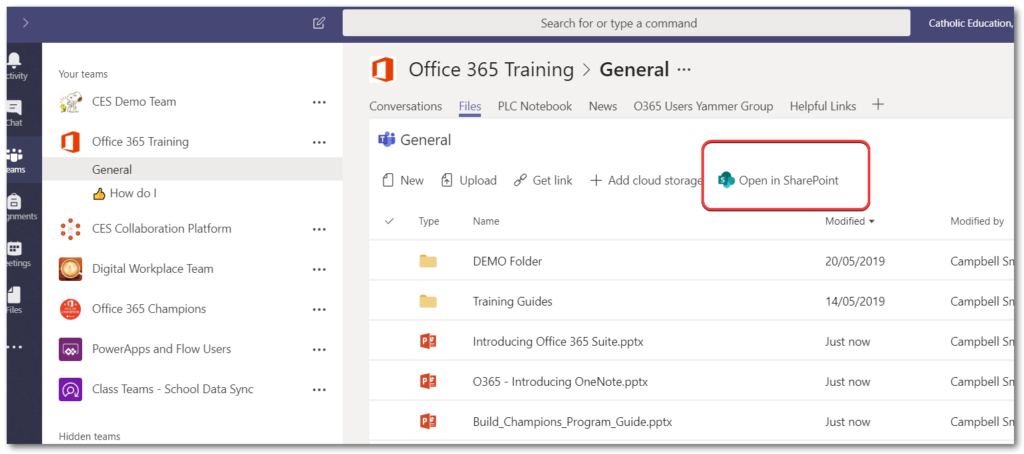
First open up Microsoft Teams and click the Files Tab

Add a New Folder which you want to be Read Only

Click the Open in SharePoint button

Microsoft Teams Read Only Folder

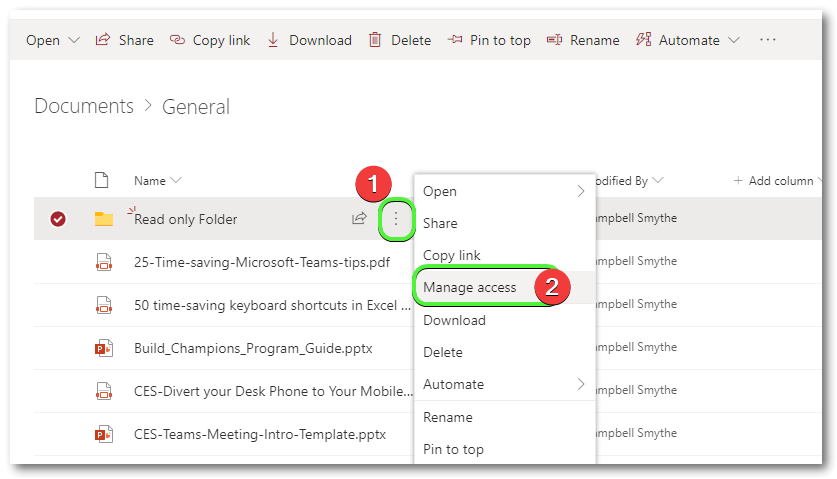
Now in SharePoint’s view of the Folder click the settings ellipses (3 vertical dots) and click Manage Access

make a read only folder in Teams

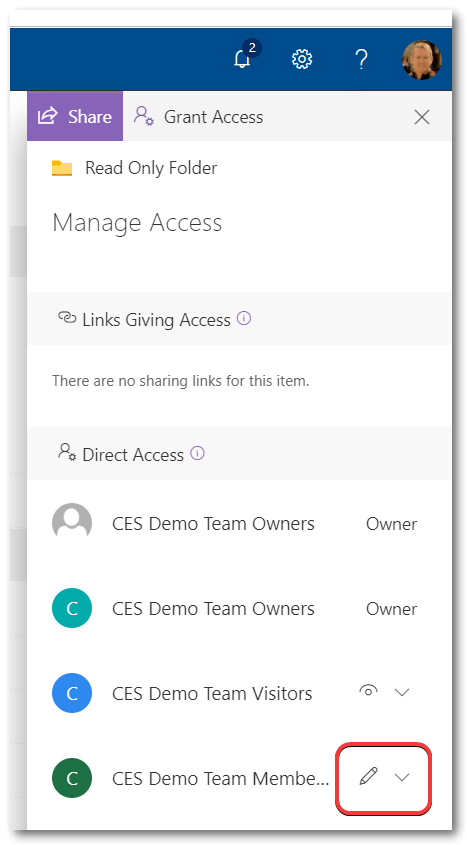
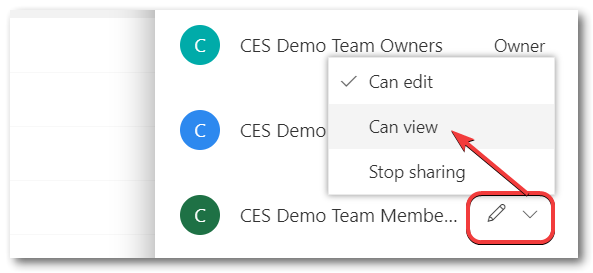
Click the dropdown to change Team Members permissions

Change the permissions for Members from Can Edit to Can View, changes will Save automatically

This will set the Permissions on that folder so that Team Owners only are able to edit the contents of the Folder, but not Members.

Hope that’s helpful for you – if so please consider sharing this Post with others  🙂


buy surface pro 7
Cairns Mountain Bike Parks

Cairns Mountain Bike Parks

Mountain Biking in Cairns

Cairns is such a great place to go mountain biking. Once you’re in Cairns there are plenty of mountain biking adventures you can go on. With different MTB Parks and trails to explore Cairns provides a great variety of Mountain bike rides to suit everyone.

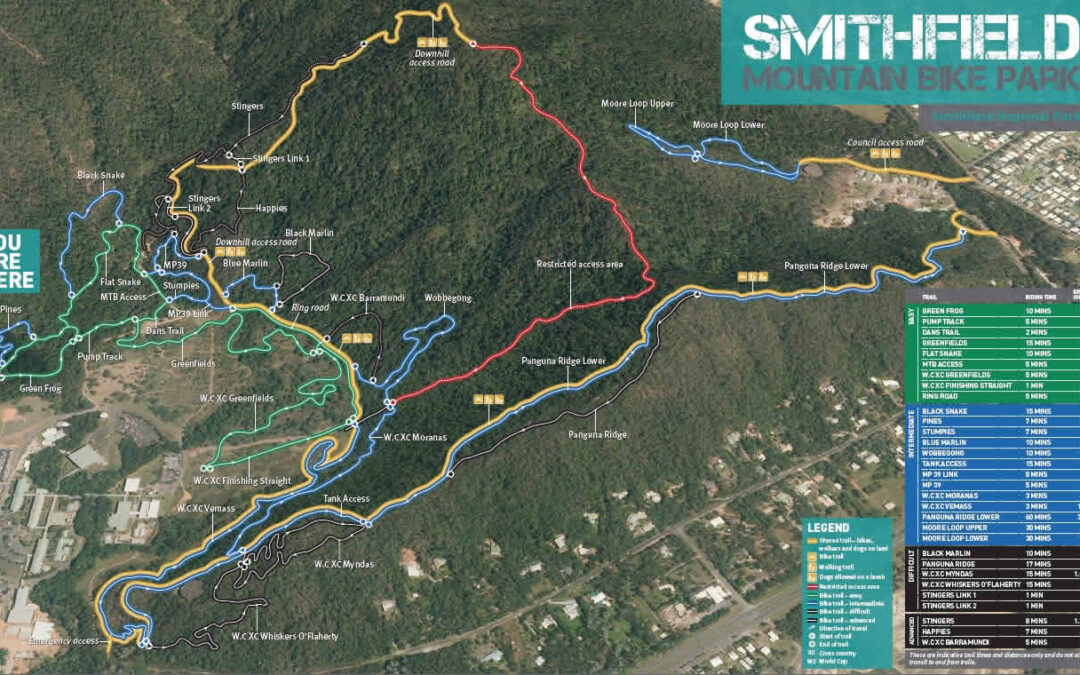
Smithfield Mountain Bike Park

The Smithfield Mountain Bike Park is a 20 minute drive from Cairns city.  The park is maintained by the Cairns MTB Club and volunteers. There are 34 trails extending over 60km running through the beautiful Cairns rainforest including single trail Green, Blue and Black grades.

Smithfield Mountain Bike Park has hosted the following events:

  • 1995 UCI Mountain Bike World Cup
  • 1996 UCI World Mountain Bike Championships
  • 2014 UCI Mountain Bike World Cup
  • 2016 UCI Mountain Bike World Cup
  • 2017 UCI World Mountain Bike Championships


Smithfield

Atherton Mountain Bike Park


Atherton Forest Mountain Bike Park

Davies Creek Mountain Bike Park