
Microsoft Teams – Sync your Teams Files using OneDrive
After you have setup your OneDrive so that documents stored in the Cloud sync with your computer, you can also setup Syncing between the Files section in any of your Microsoft Teams or SharePoint locations. This just gives you an easier way to access those files which may also be more efficient for you depending on how you work with files.
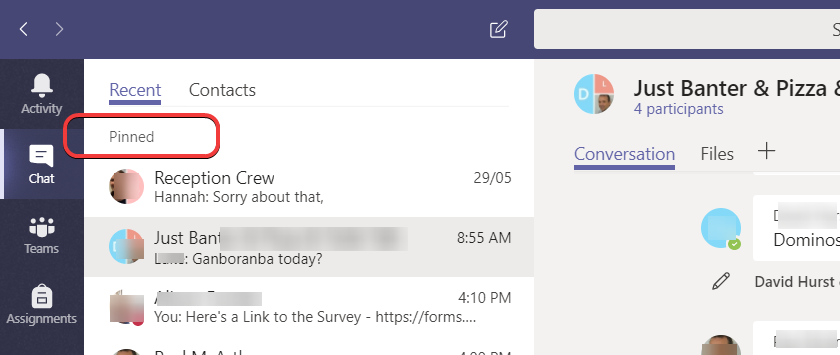
Microsoft Teams – Pin a Chat for quicker access
In a Microsoft Teams Chat you are able to Pin a chat, making it available at the Top of your Recent list of chats. This is a really helpful feature making it easy to go back to regular Chat Groups or individual chats. #productivity #efficiency
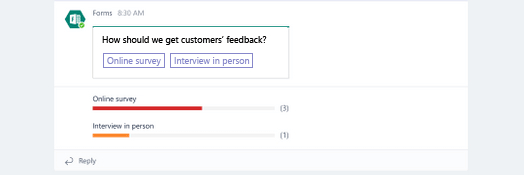
Microsoft Teams – Create a Quick Poll for your Team Members
Create a quick and easy Poll in the Conversation area of your Microsoft Team. Team Members can easily respond anonymously , see total responses and change their response if desired.
Microsoft Teams – Tutorial Video (15mins)
Learn everything you need to know about using Microsoft Teams in 15 minutes. Aya Tange from Microsoft Teams walks through the end-to-end user experiences with a full demo tutorial: from chat and collaboration to online meetings and calling capabilities.
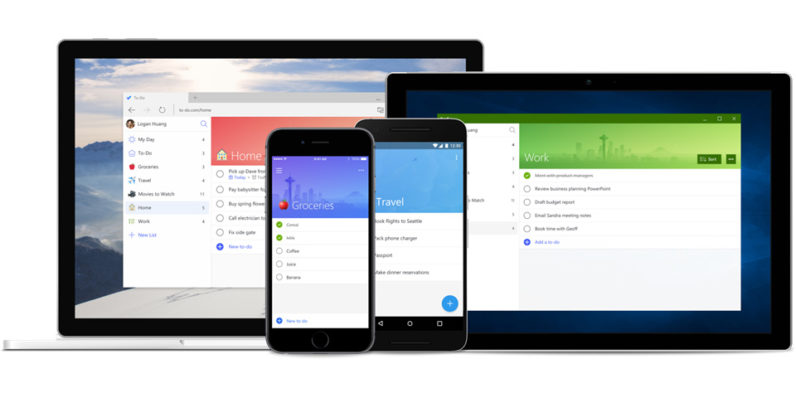
Microsoft To-Do – How to manage Tasks
Microsoft To-Do is a great task manager with a bunch of extra features available depending on how much time you have or how particular you want to be with your Tasks. It now integrates with Microsoft Planner to present you with Tasks assigned to you there!
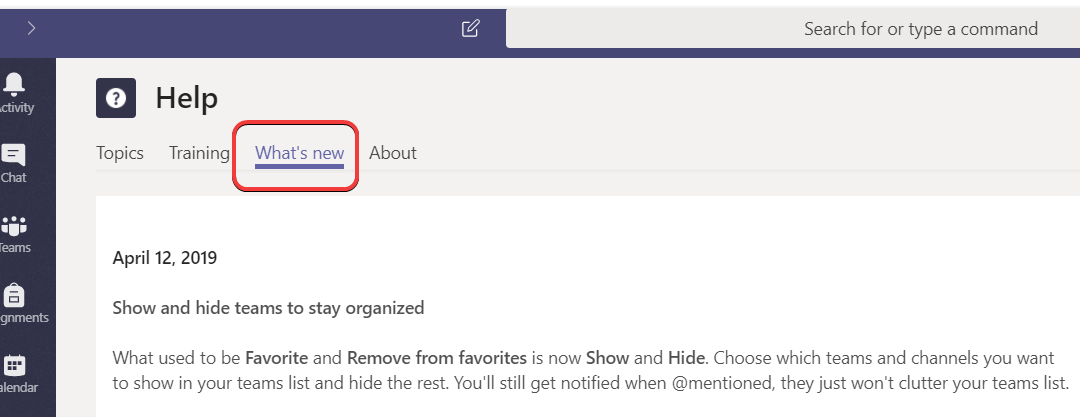
Microsoft Teams – How to keep up with what’s new in Microsoft Teams
Well here’s how I stay fresh with the new features that are being added regularly to Microsoft Teams and how you can too – it’s really easy and is available in Microsoft Teams from the Search bar.
Create Custom Minecraft: Education Edition Skins

Campbell Smythe
Learning and Collaboration Technologies Advisor
I am a Learning and Collaboration technologies advisor living in Brisbane, Australia. An educational technology leadership background and experience managing a globally located information technology team, has given me wide experience in the application of digital technologies to a variety of educational and workplace contexts.
- Microsoft Certified:
- Power Platform
- Office 365
- Service Adoption Specialist
- eSports Leader
- Microsoft Innovative Educator
- Apple Teacher
- Google Educator
- Mountain Biker and Triathlete
No Results Found
The page you requested could not be found. Try refining your search, or use the navigation above to locate the post.